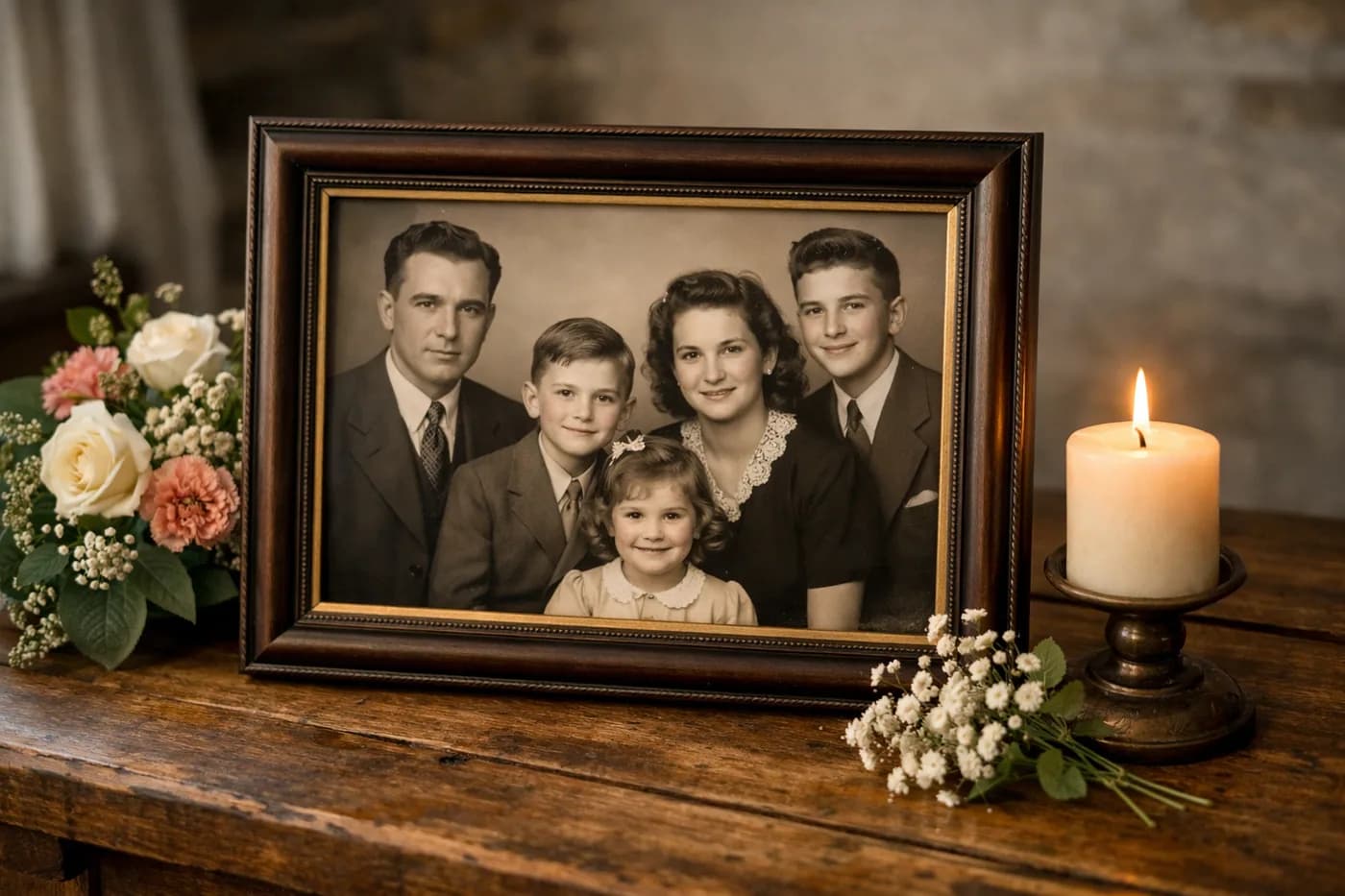
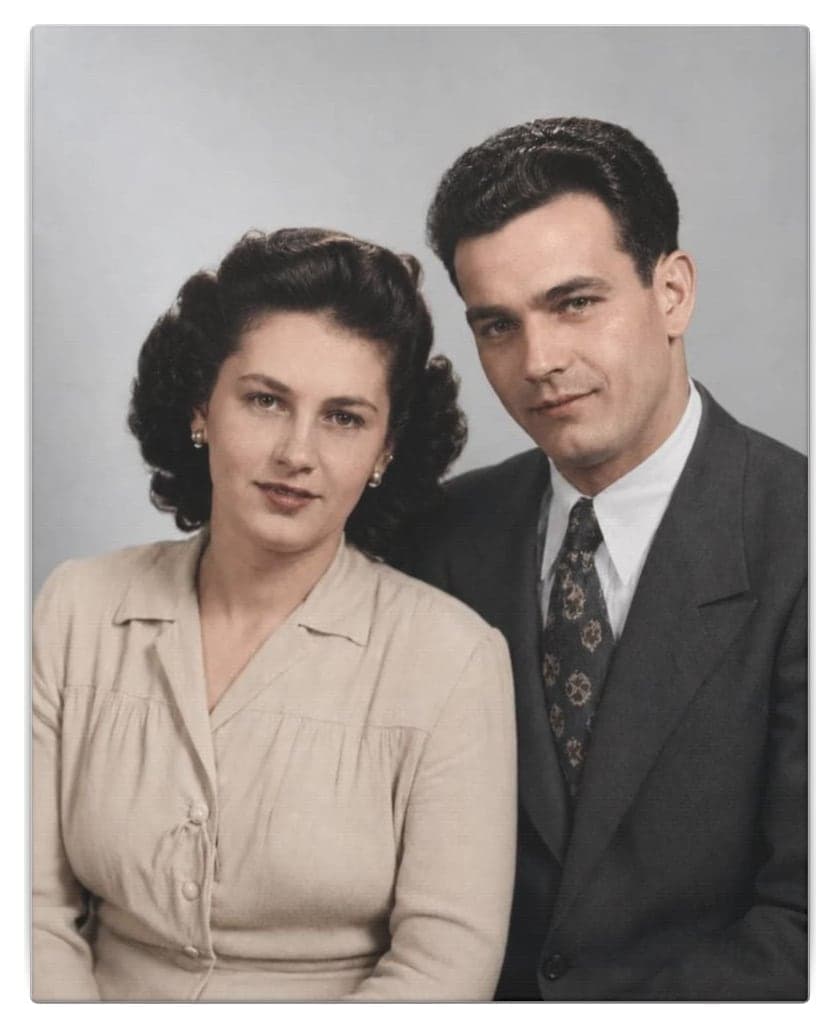
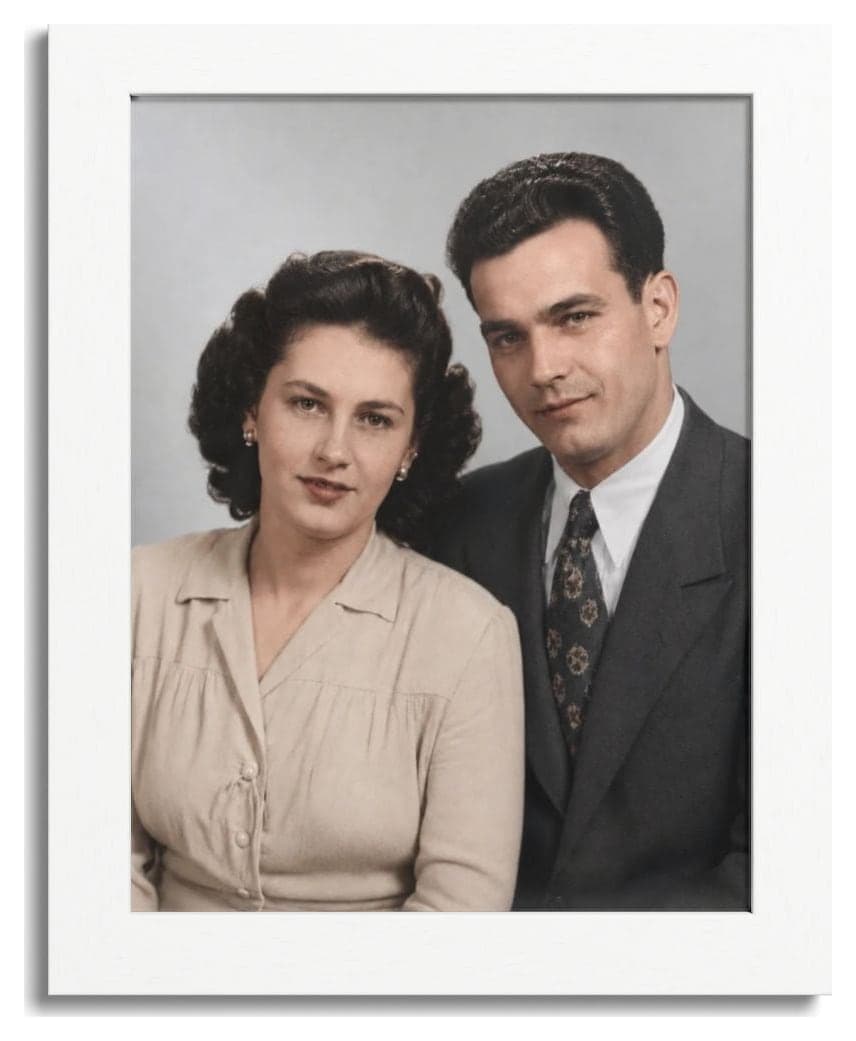
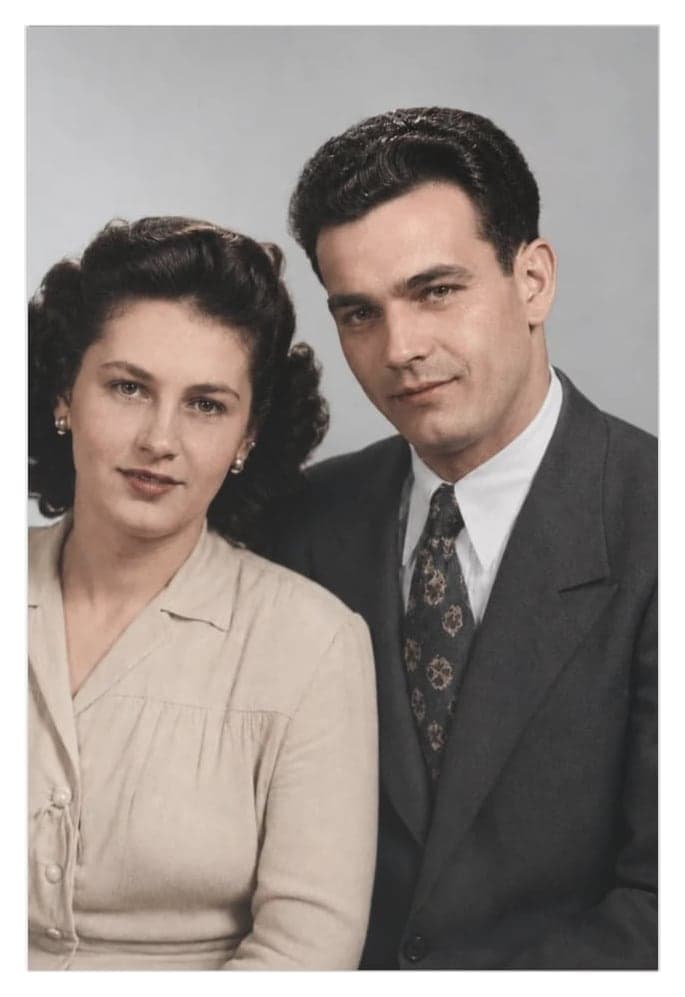
If you’re looking for inspiration on how to create a memorial photo, here you’ll find practical ideas, when to get started, and everything you need to ensure your tribute is truly meaningful. A restored photo holds unique value on significant dates and can transform a simple remembrance into an unforgettable keepsake.
Why choose a restored photo for a memorial?
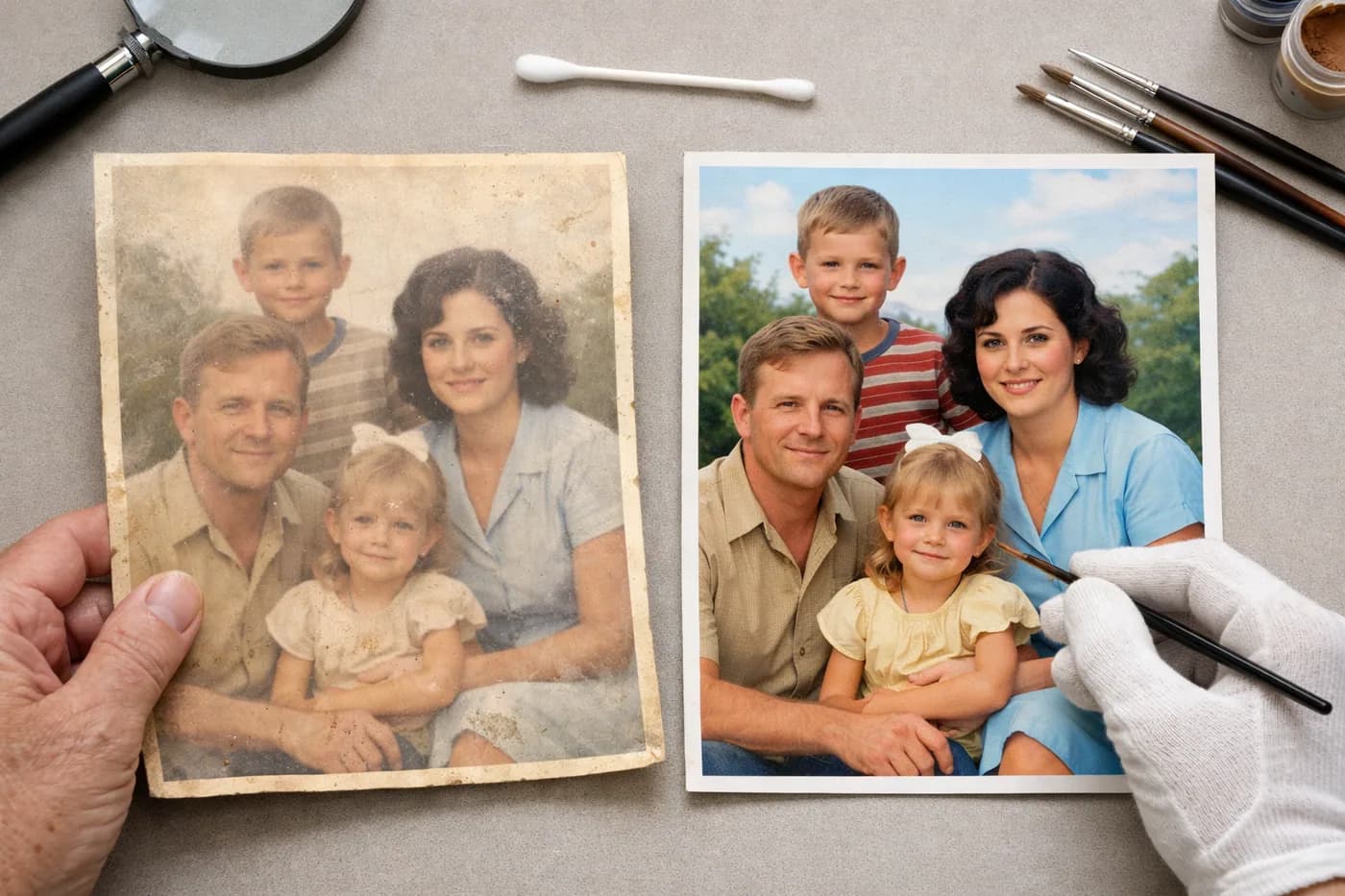
Using a restored photo in a memorial is a powerful way to honor memories and showcase the best version of your loved one. Old photos often suffer from scratches, stains, or faded colors, so restoring them can make the difference between a blurry image and an emotional tribute.
Today, tools like Naiara let you remove these flaws easily and quickly, with no technical skills needed. You can turn a damaged photo into an image worthy of sharing with family or everyone attending the memorial.
How far in advance should you prepare a memorial photo?
Timing is everything as a special date approaches—whether it’s an anniversary, funeral, or family memorial. To avoid last-minute stress and ensure your print arrives on time, follow this simple timeline:
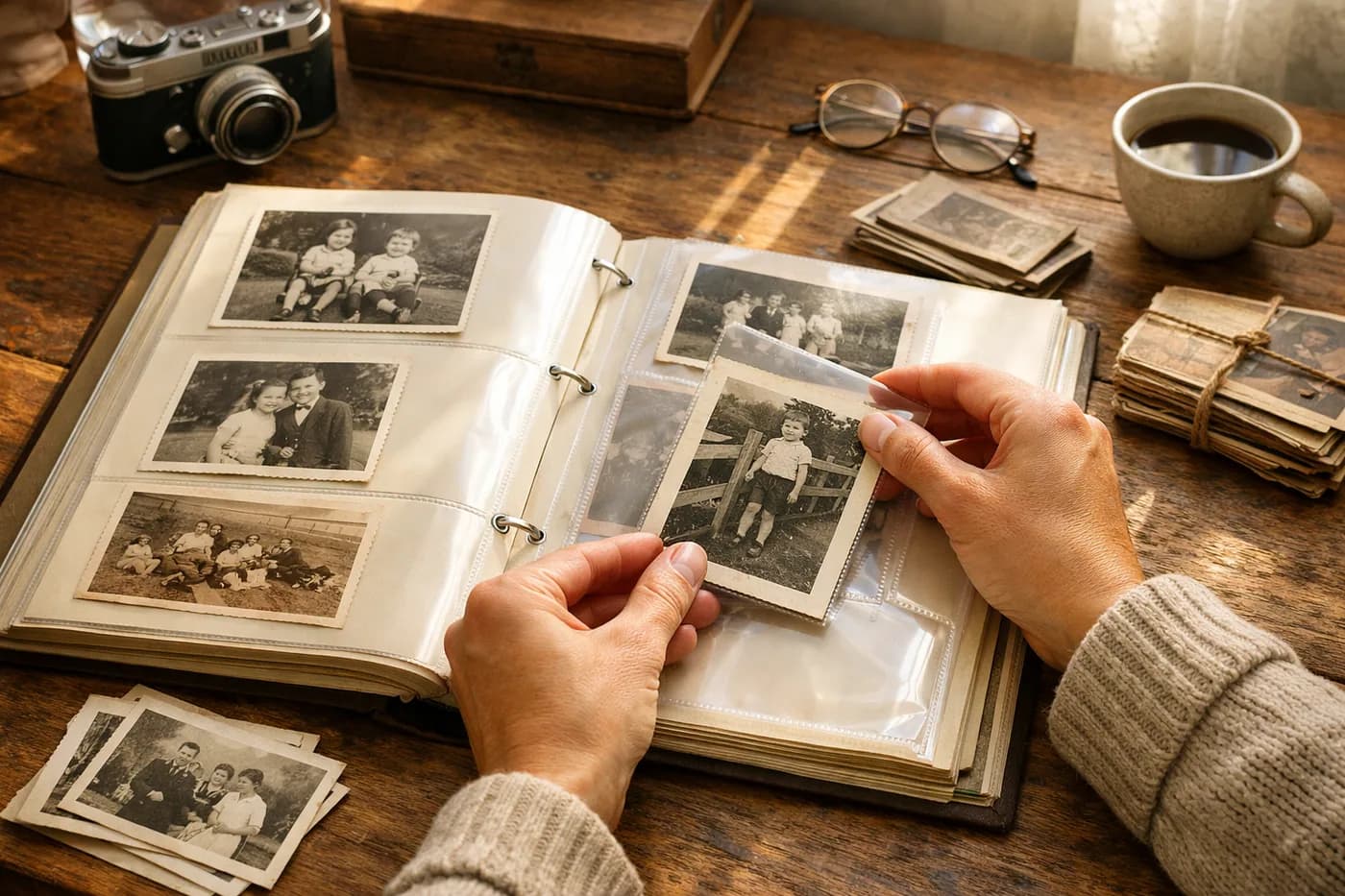
- 4 weeks before: Choose the photo and check its condition. If you have albums or boxes of photos, use this time to pick a few options.
- 3 weeks before: Restore the image: remove scratches, enhance resolution, and colorize if needed. See examples in how to remove scratches from old photos online and in the step-by-step guide to colorizing black and white photos online.
- 2 weeks before: Choose your print format (postcard, canvas, frame) and place your order.
- 1 week before: Receive the print and check everything is perfect. If you need adjustments, there’s still time.
Inspiring ideas for your memorial photo design
The design of a memorial photo can vary depending on the occasion and the person you’re honoring. Here are some ideas to help you decide:
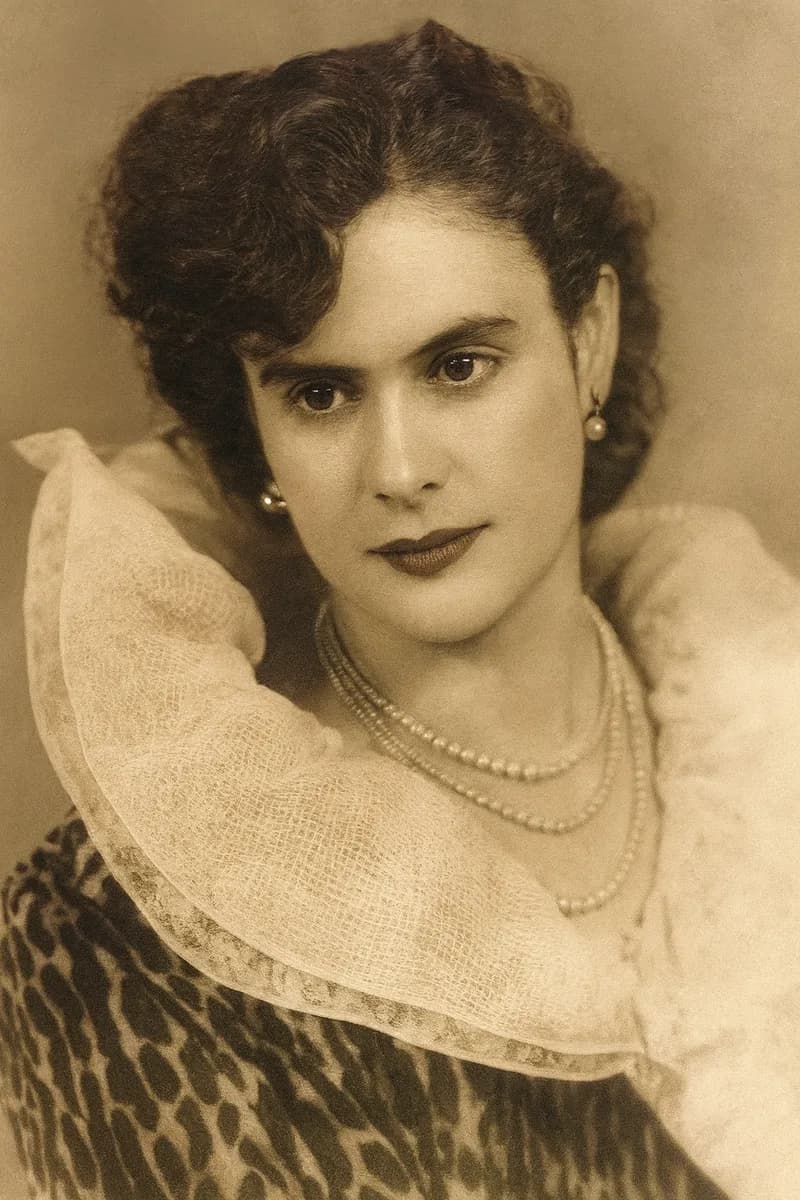
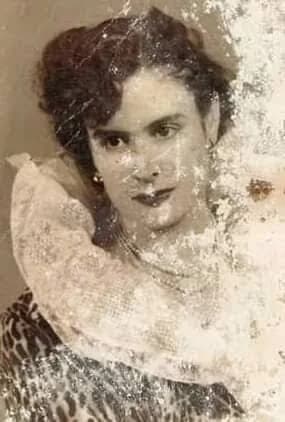
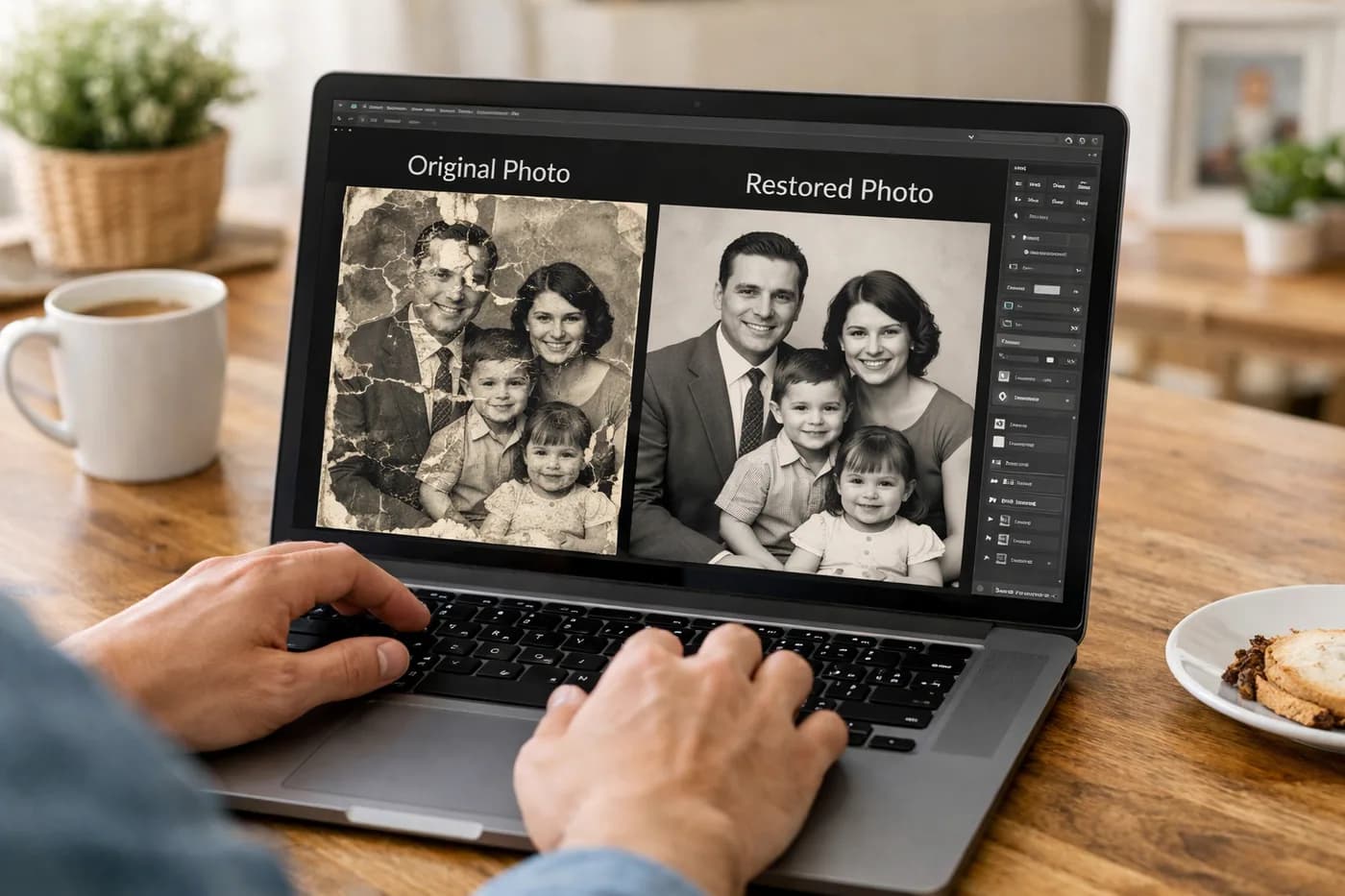
- Restored central photo: A clear, undamaged image shows respect and affection. If the original is badly damaged, see this example:
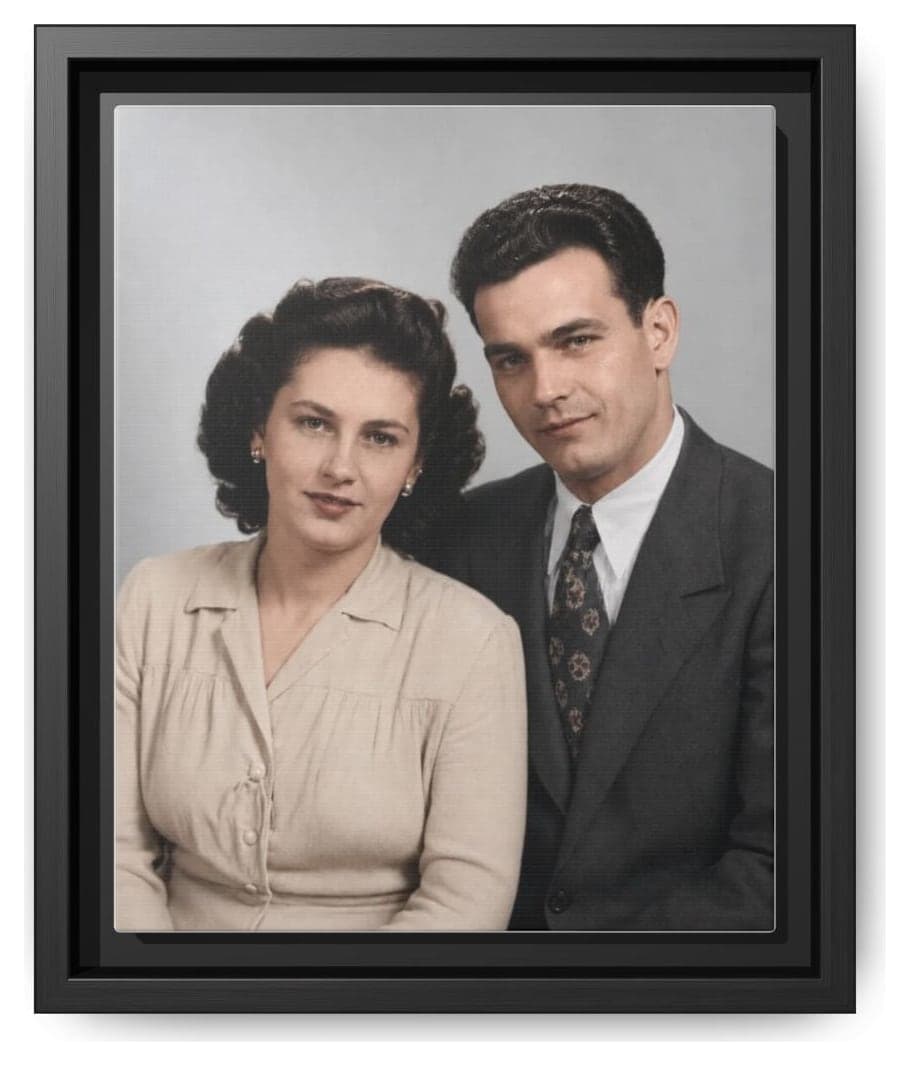
- Colorizing old photos: If you only have black and white images, adding color brings a modern, personal touch—especially for family memorials.
- Removing unwanted elements: You can take out people or objects to focus on the person you want to honor, as shown in how to remove a person from a photo effortlessly.
- Personalized text: Add a meaningful quote, date, or names. Short, heartfelt messages are often the most powerful.
Step-by-step: how to prepare your memorial photo
- Scan or photograph the original image in the highest quality possible. For tips on improving digital results, check the guide to improving the quality of old photos.
- Restore the photo online using AI to remove scratches, dust, stains, and boost resolution. Try the live tool to see your own before and after.
- Decide if you want to colorize or keep the original black and white style.
- Remove unwanted elements if needed.
- Prepare the final file in JPG or PNG format, ready for printing or sharing digitally.
What should you have ready on time?
Along with your restored photo, make sure you also have:
- Print format: Decide if you want a postcard, canvas, or frame. See more options in how to print restored photos.
- Personal message: Prepare your text in advance, check spelling, and make sure it sets the right tone.
- Addresses and logistics: If mailing the memorial photo, confirm addresses and allow enough delivery time.
- Additional photos: For group tributes, restoring several images can be practical and affordable with restoration packs.
Once everything is set, all that’s left is to wait for the special day. Planning ahead lets you focus on what matters most: the memory and the tribute.
Frequently asked questions about memorial photos
When is the best time to prepare a memorial photo?
Start at least one month before the memorial date. This gives you time to restore, print, and receive the photo without stress. If you need to restore several photos, start even earlier to avoid a rush.
How do I choose the best photo for a memorial?
Pick an image that reflects the personality and moment you want to remember. If you’re unsure, scan several options and restore the ones that move you most before deciding.
Can I restore a very damaged photo?
Yes, today’s technology can recover photos with scratches, stains, or even torn sections. See real examples in how to remove scratches from old photos online and check the results before printing.
What to do with funeral photo for distant relatives?
Once you have the restored photo and design ready, use online printing services that offer home delivery. Check delivery times and add a few extra days to ensure it arrives on time.