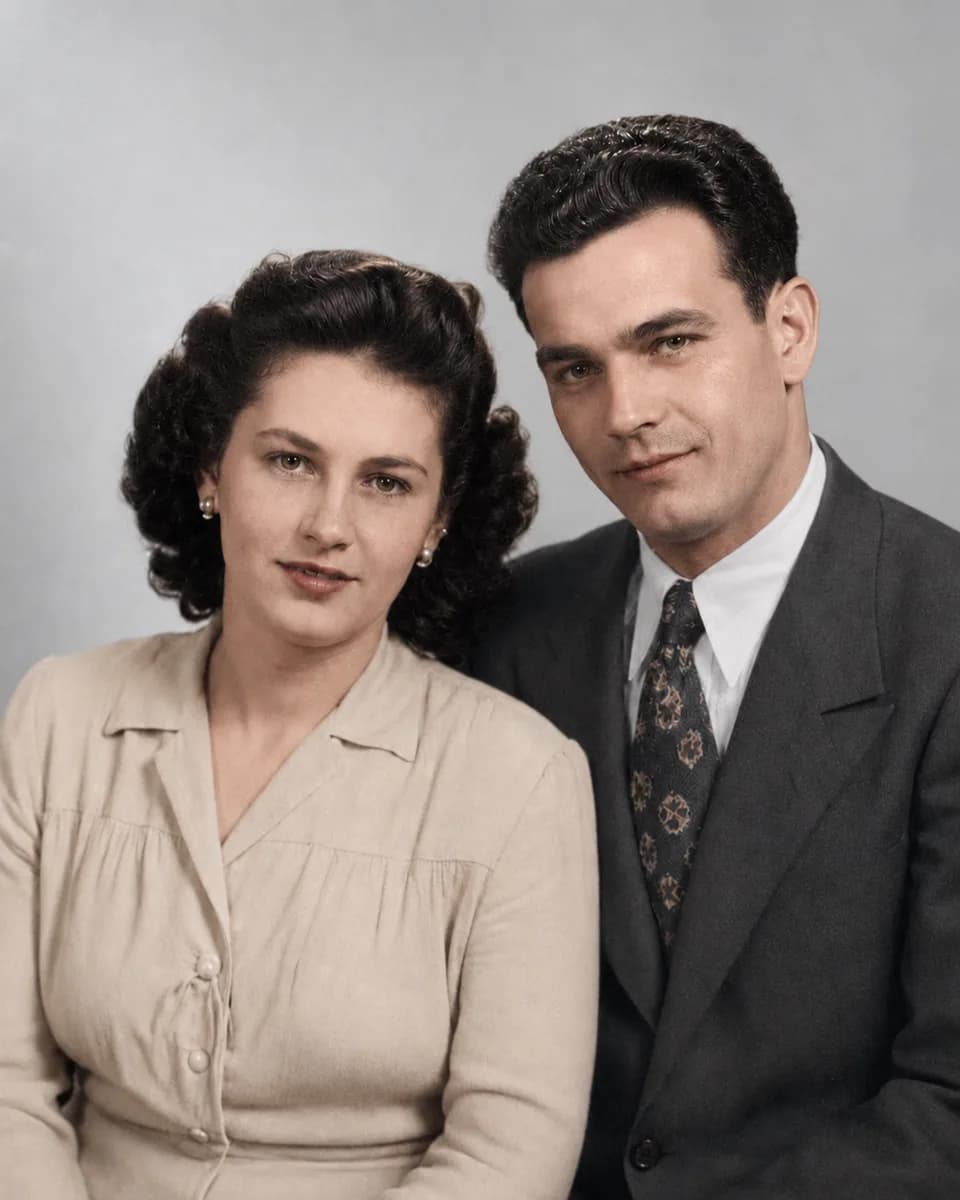
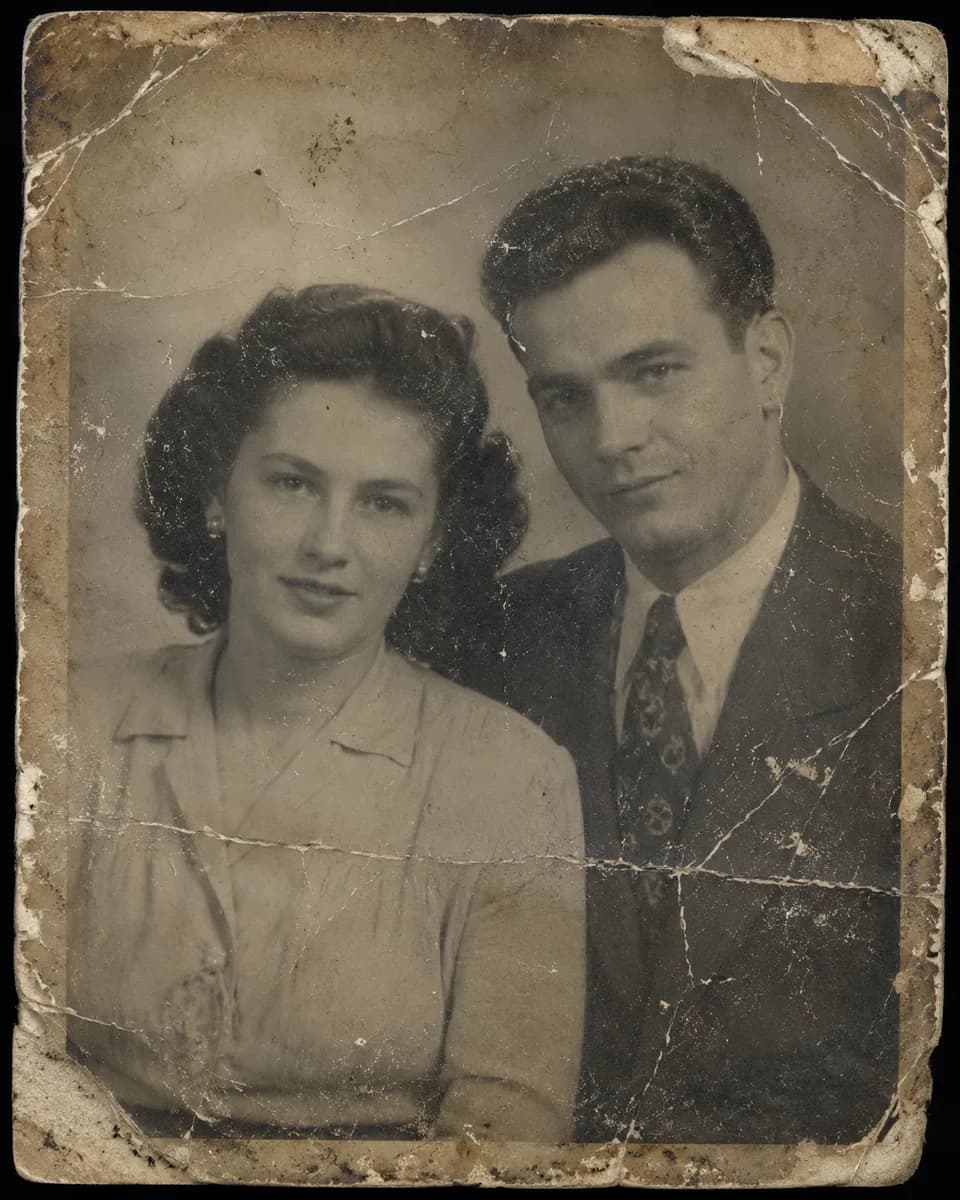
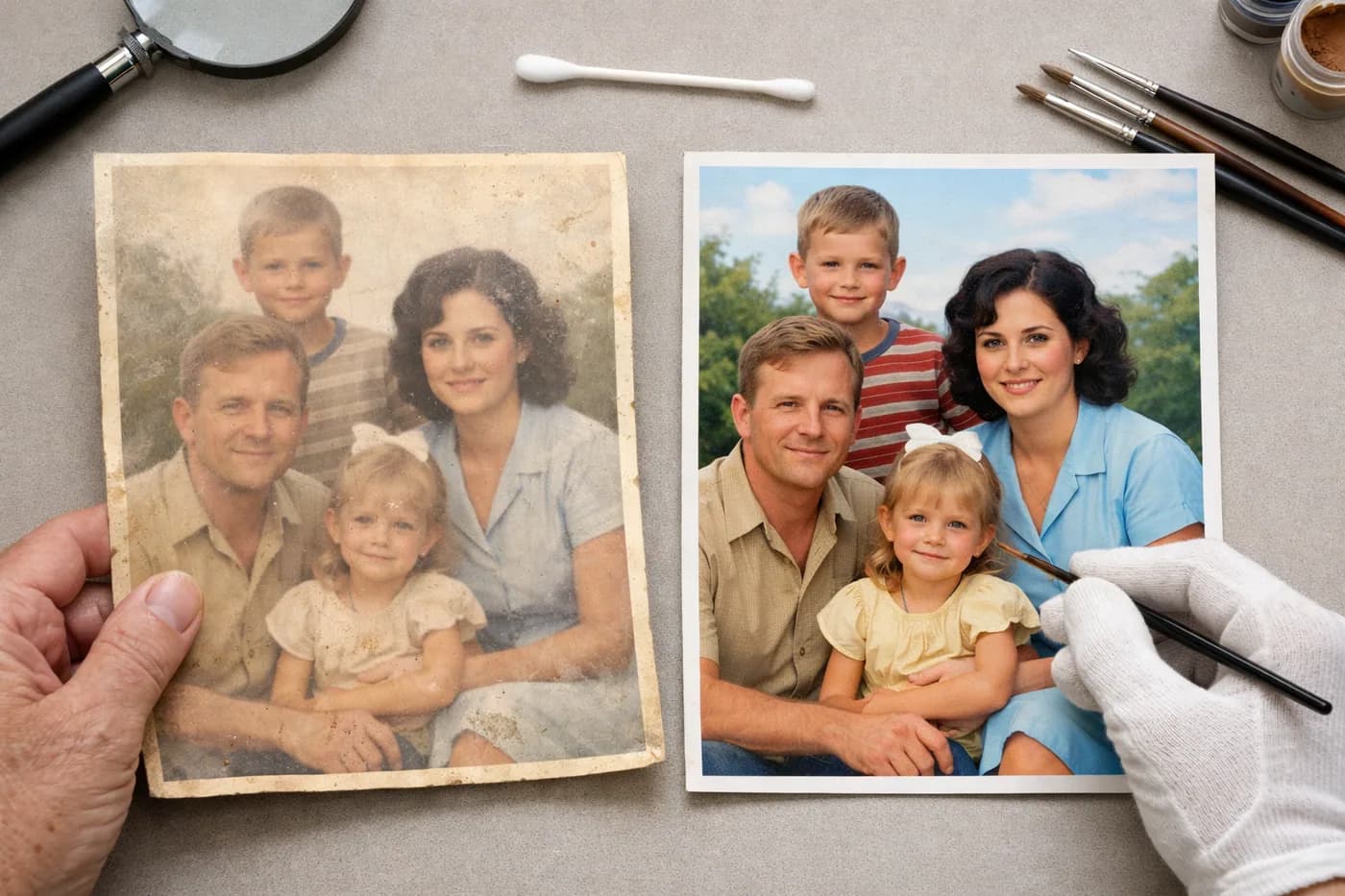
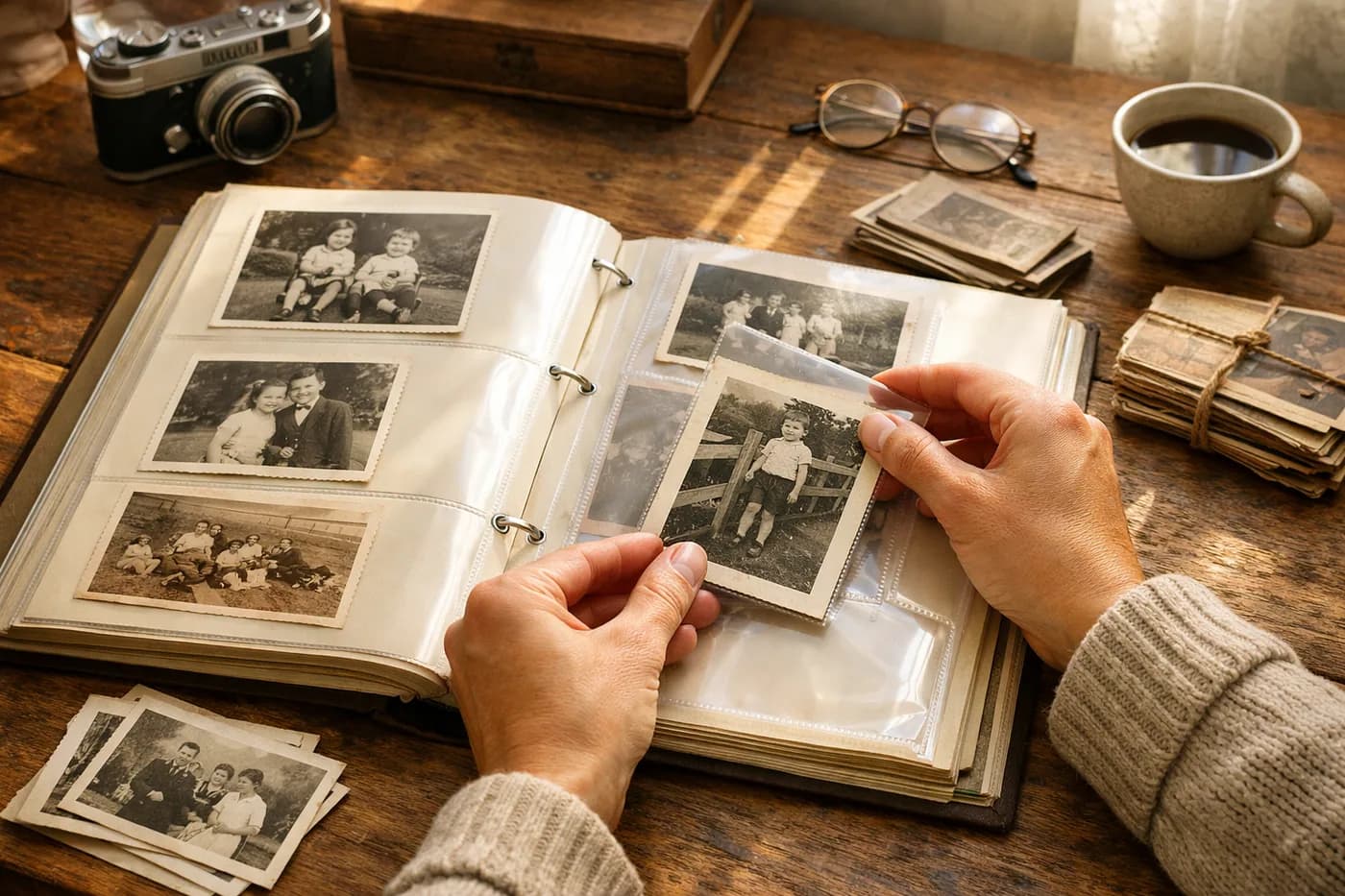
Colorizing black and white photos online is now easier than ever thanks to artificial intelligence tools. You don’t need any technical know-how or complicated software—transform family memories or vintage photos into vibrant images in just minutes, right from your browser.
What do you need before you start?
Before you jump in to colorize that special black and white photo, make sure you have the following ready:
- A scanned or clear digital image in JPG or PNG format.
- A stable internet connection.
- An up-to-date device (computer, tablet, or smartphone).
No prior experience with photo editing is required, and there’s no need to download any extra apps. The entire process is online and accessible to everyone.
Step 1: Upload your black and white photo
The first step is to select the image you want to colorize. Choose the sharpest version you have—a good base will always give you better results. Old photos often have scratches, stains, or are a bit blurry, but today’s technology can enhance quality significantly.
Step 2: Select the AI colorize option
Once your image is uploaded, choose the colorize black and white photo with AI function. This feature uses artificial intelligence trained on millions of real examples, delivering natural, lifelike colors—even for photos taken decades ago.
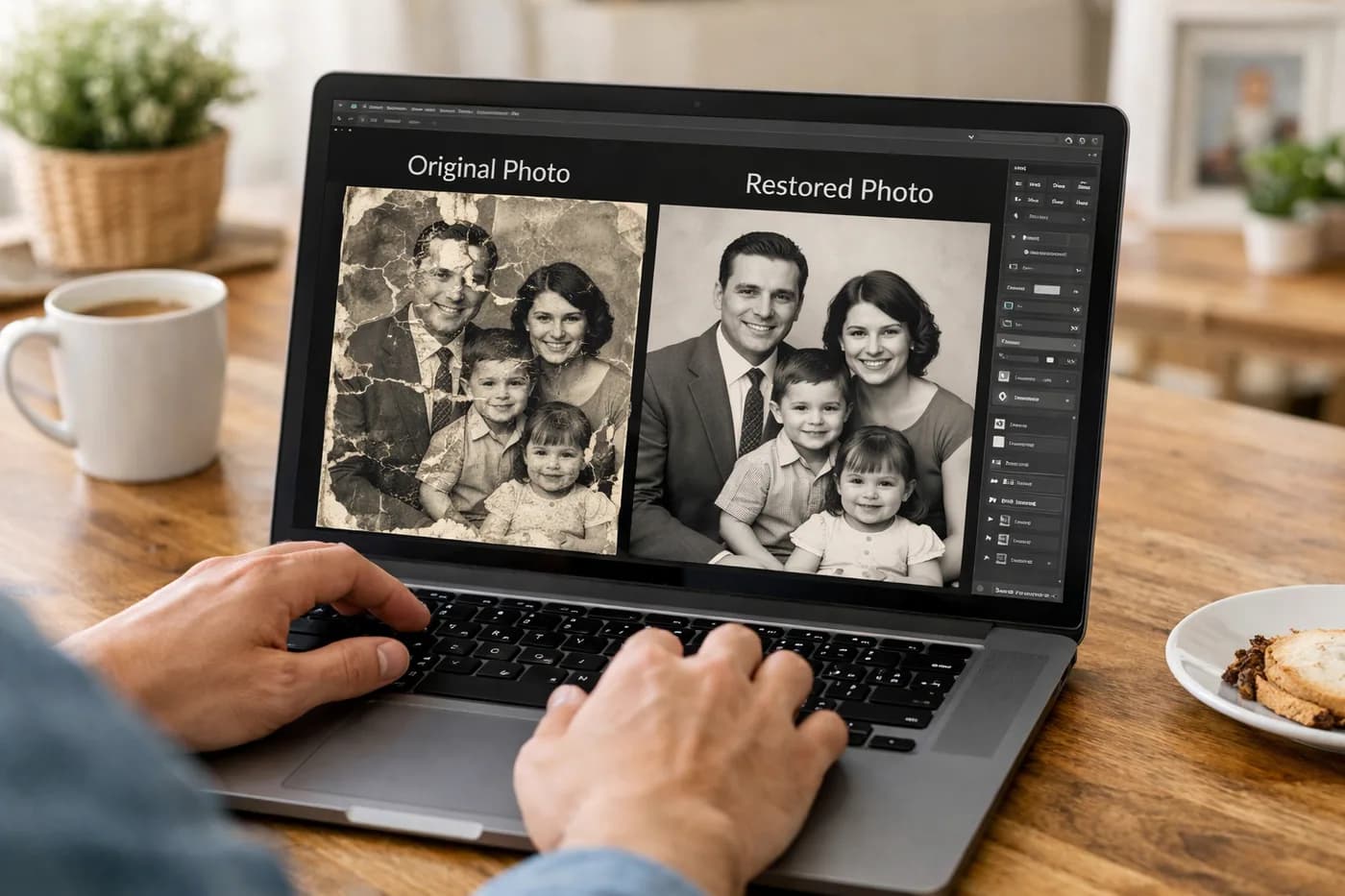
Most platforms, like the one you’re trying now, let you compare the before and after with a slider so you can see the transformation in real time.
Step 3: Review and refine your results
After automatic colorization, check the details: skin, clothing, and backgrounds should have realistic tones. If your original photo was damaged, take this chance to apply extra fixes like removing scratches, dust, or tears, and boosting the resolution of blurry images. This way, your photo gains not just color but clarity and a professional finish.
This process is especially valuable for family keepsakes or inherited images you want to preserve or share. For more tips on full restoration before colorizing, check out How to easily restore damaged old photos.
Step 4: Download and share your newly colorized photo
Happy with the result? Download the colorized image straight to your device. All your restorations are saved in a private history, so you can revisit or share them with family and friends anytime.
If you’re thinking of printing or framing the photo as a gift or decoration, get inspired with these Creative ideas for printing and framing your restored photos.
Common mistakes when colorizing old photos (and how to avoid them)
- Low-resolution image: If your photo is very small or blurry, use a resolution enhancement tool first.
- Visible stains or tears: Remove any obvious defects before adding color for a smoother finish.
- Unnatural colors: Check if the AI has applied odd tones—if so, try again or use extra touch-ups if available.
- Saving in the wrong format: Always download at the highest size and quality to ensure great prints later on.
How can you tell if your colorized photo looks good?
Look for these signs of a great result:
- Soft, natural colors—nothing overly saturated.
- Balanced contrast and sharpness.
- No weird artifacts on faces, clothing, or backgrounds.
- The photo feels as emotional as the original, but now looks more vivid and relatable.
If you want to get even more out of today’s technology, explore How to revitalize your old photos with modern technology for more ways AI can help beyond just color.
Can you colorize black and white photos online for free?
There are ways to colorize black and white photos online free, but most have size limits, watermarks, or lower quality. Reliable services usually offer your first restoration free (no card needed), making it easy to try before you commit. If you have multiple photos, you can buy single-use credit packs—no subscription, no expiration.
Restoring and colorizing your family memories is one of the most meaningful ways to connect generations and preserve your family’s visual history. Try transforming your old photos into colorful keepsakes and see the power of AI-driven photo restoration for yourself.
FAQs about colorizing black and white photos
How to colorize black and white photos?
To colorize a black and white photo, simply scan and upload it to a specialized online tool. AI detects people and objects, assigning natural colors automatically. The process is fast and requires no technical skills.
Can I colorize a black and white photo online for free?
Yes, some services let you colorize black and white photos online free with no sign up or complicated registration. For higher quality and more features, you can buy credit packs to restore several images without a subscription.
Is using AI to colorize black and white photos better than Photoshop?
AI lets you colorize photos in seconds with no learning curve, while Photoshop requires experience and lots of time for similar results. For most people, AI is a faster, easier, and more accessible alternative.
What results can I expect when using AI to colorize photos?
AI delivers realistic colors and natural detail, though results depend on the original photo’s condition. If the image is badly damaged, restore it first to get the best colorization outcome.