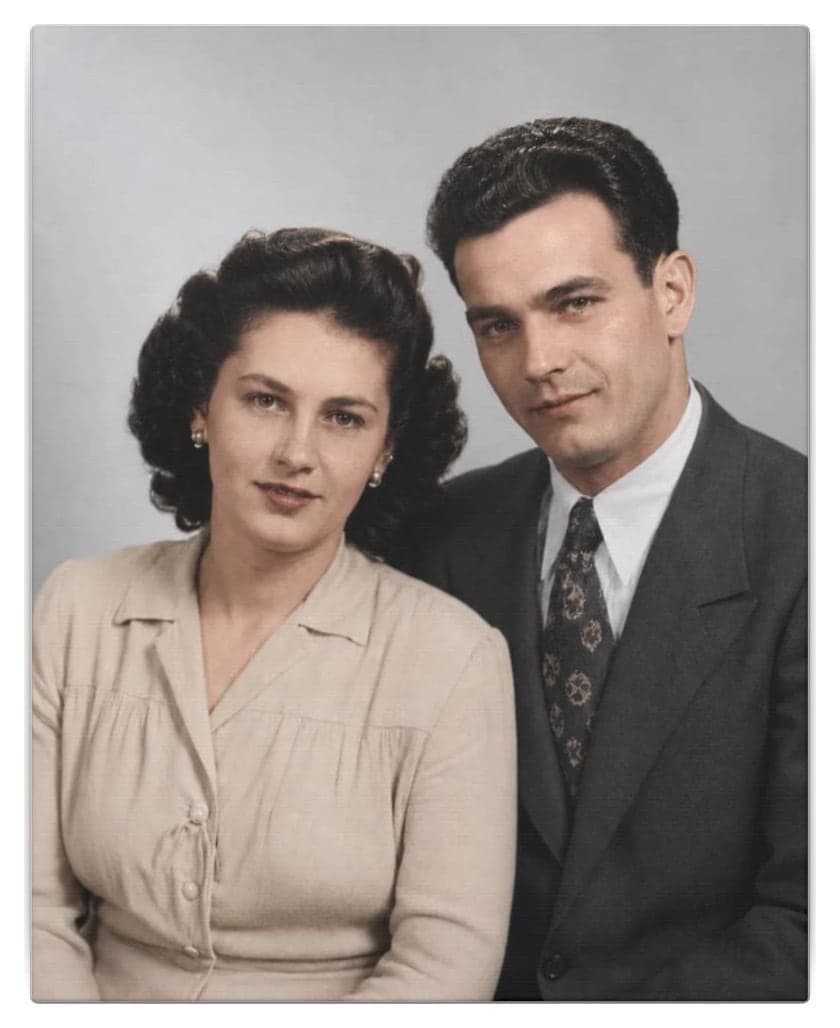
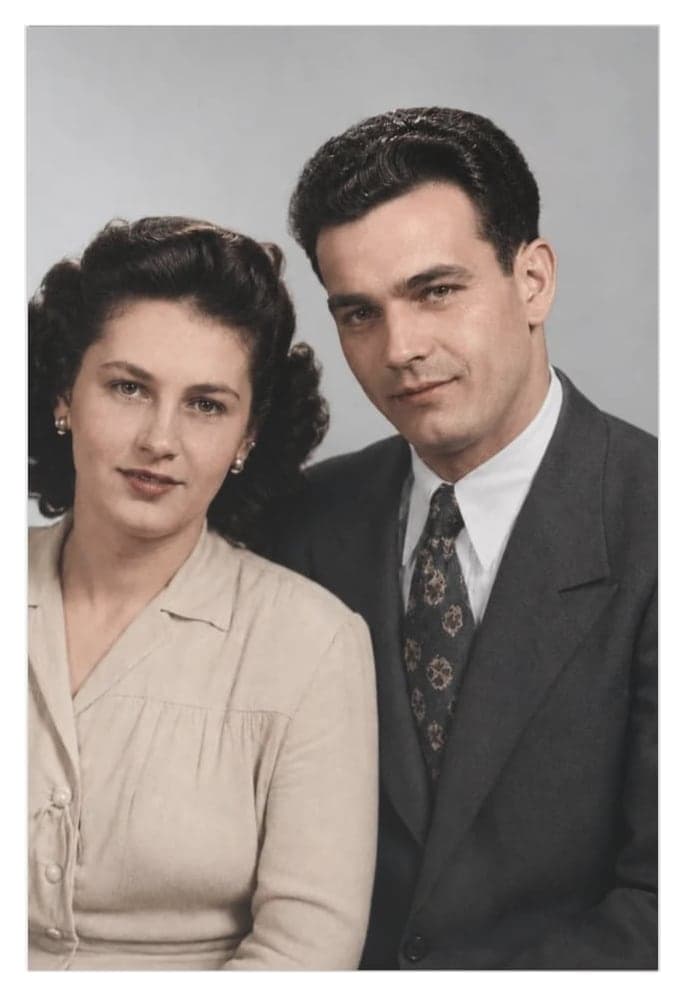
Restoring damaged old photos is easier than ever thanks to artificial intelligence. Now, anyone can repair scratches, remove stains, and bring color back to cherished memories in just a few minutes—no technical expertise or complicated tools required.
Why Do Old Photos Deteriorate?
Time takes its toll on our family photos: exposure to light, humidity, dust, and frequent handling can cause cracks, fading, stains, and tears. Often, the only images we have of loved ones or special moments are in poor condition and once seemed beyond repair.
Until recently, photo restoration was a costly and time-consuming process reserved for professionals. Today, with AI, you can do it yourself at home and achieve impressive results.
Restore your old photo for free, right here
Upload a torn, stained, faded or blurry photo and see it restored in about a minute. No card needed, and you never leave this page.
First restoration free
Your photo stays private
Result in a minute
Your photo is private: only you can see it, and it's deleted automatically when the retention period ends.
Common Problems with Old Photos—and How to Fix Them
Scratches, Tears, and Stains
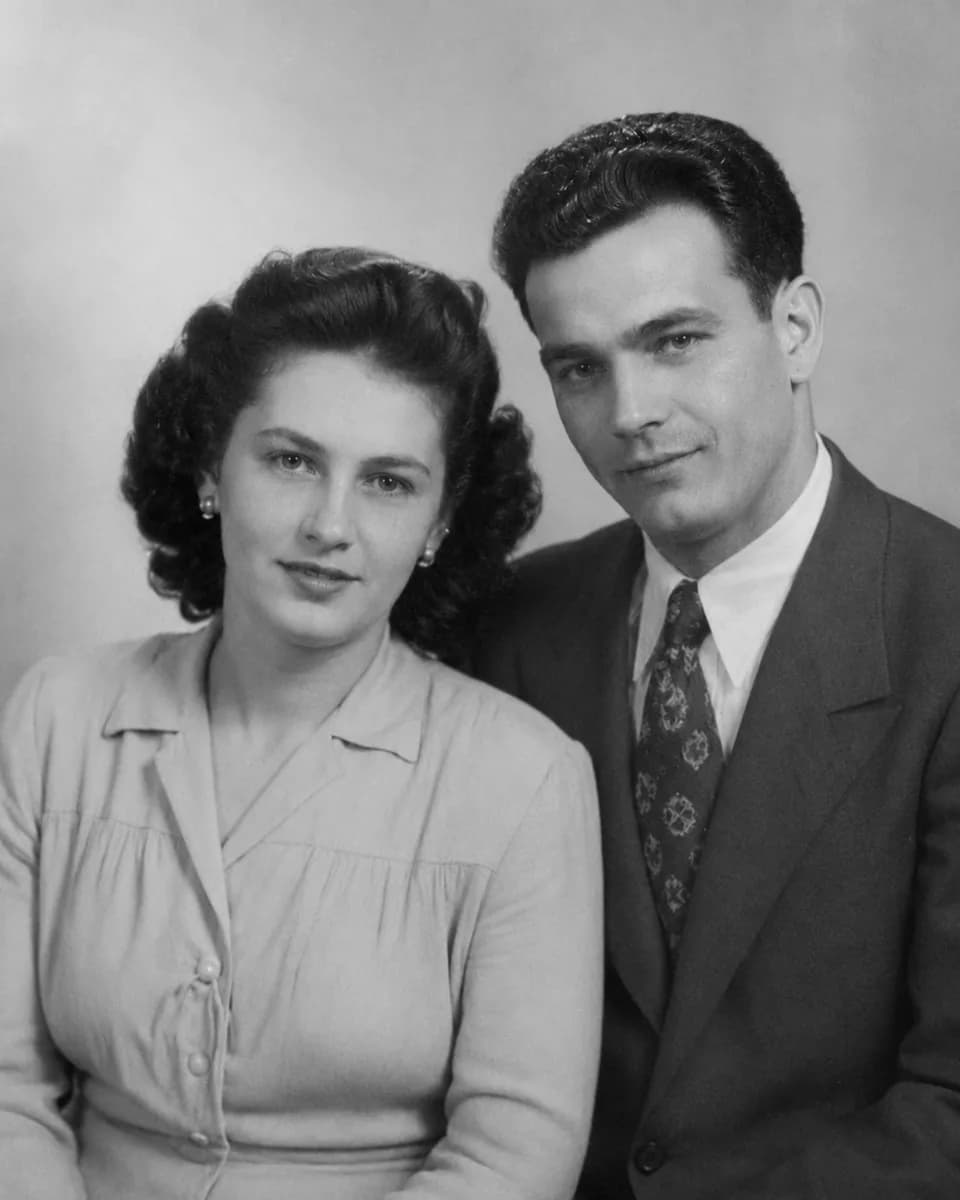
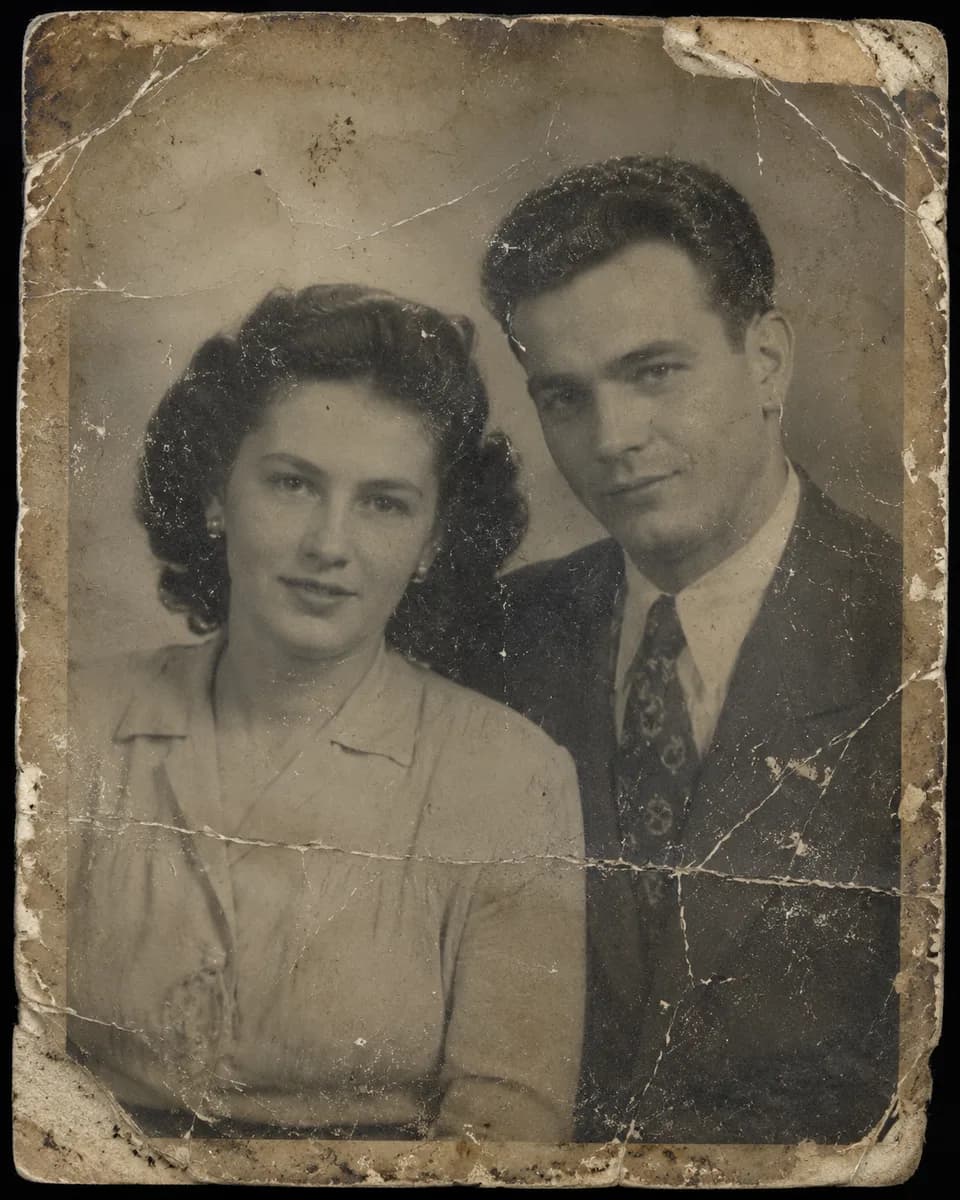
Paper photographs often show surface scratches, torn edges, or water stains. A good digital restoration removes these imperfections, restoring the image's consistency while preserving its original character.
BeforeAfter
1940s couple portrait, torn and stained
A real restoration made with Naiara, with no manual retouching. On the left, the photo as it arrived; on the right, the result.
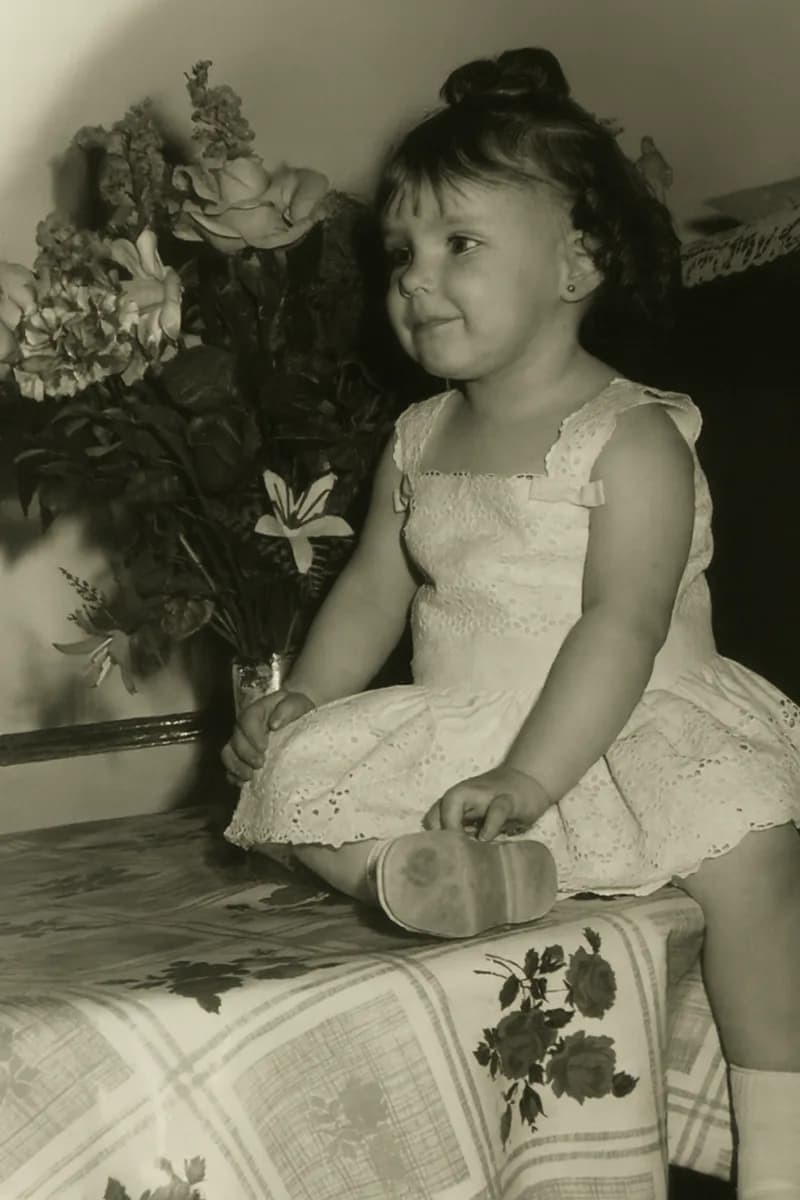
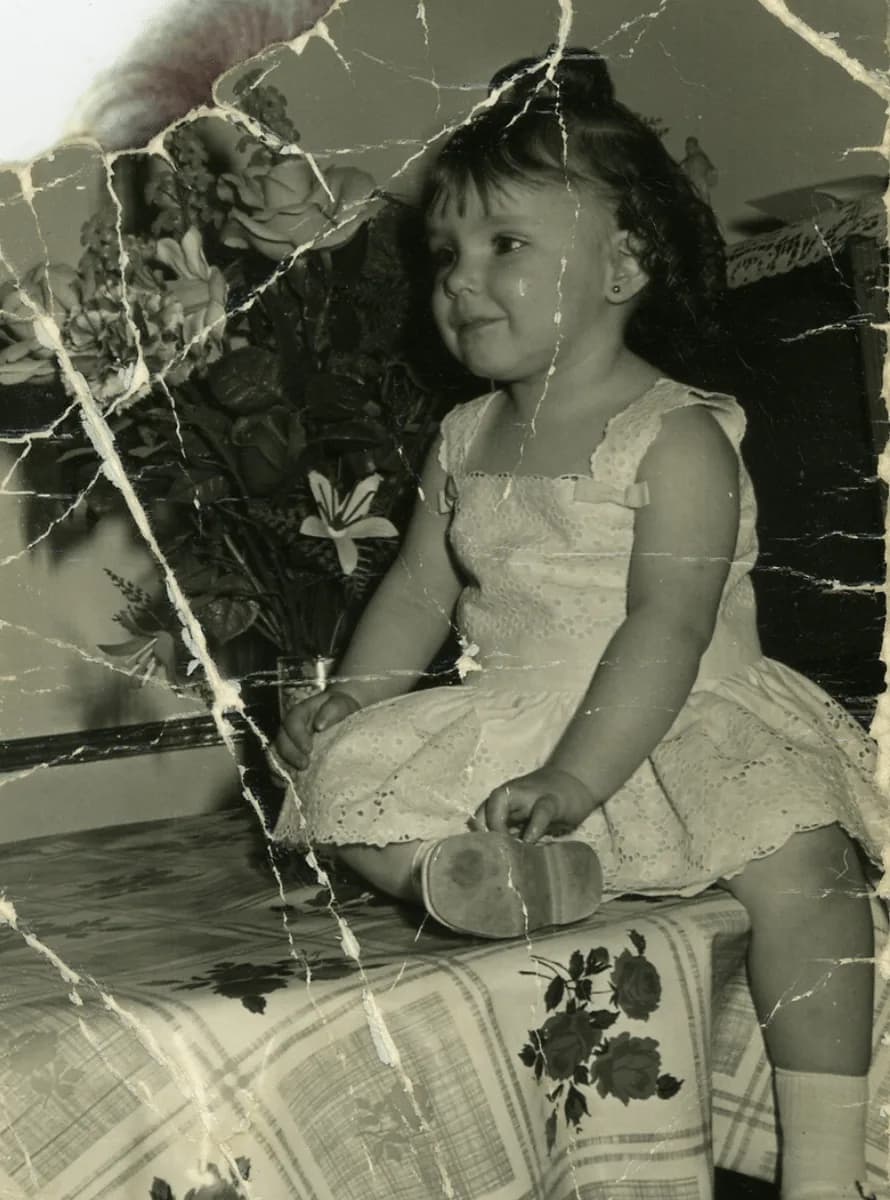
Many old photos appear blurry or "washed out" after scanning. Artificial intelligence can enhance resolution and recover lost details, making even soft-focus portraits look sharper and more defined.
BeforeAfter
Old child portrait brought back
A real restoration made with Naiara, with no manual retouching. On the left, the photo as it arrived; on the right, the result.
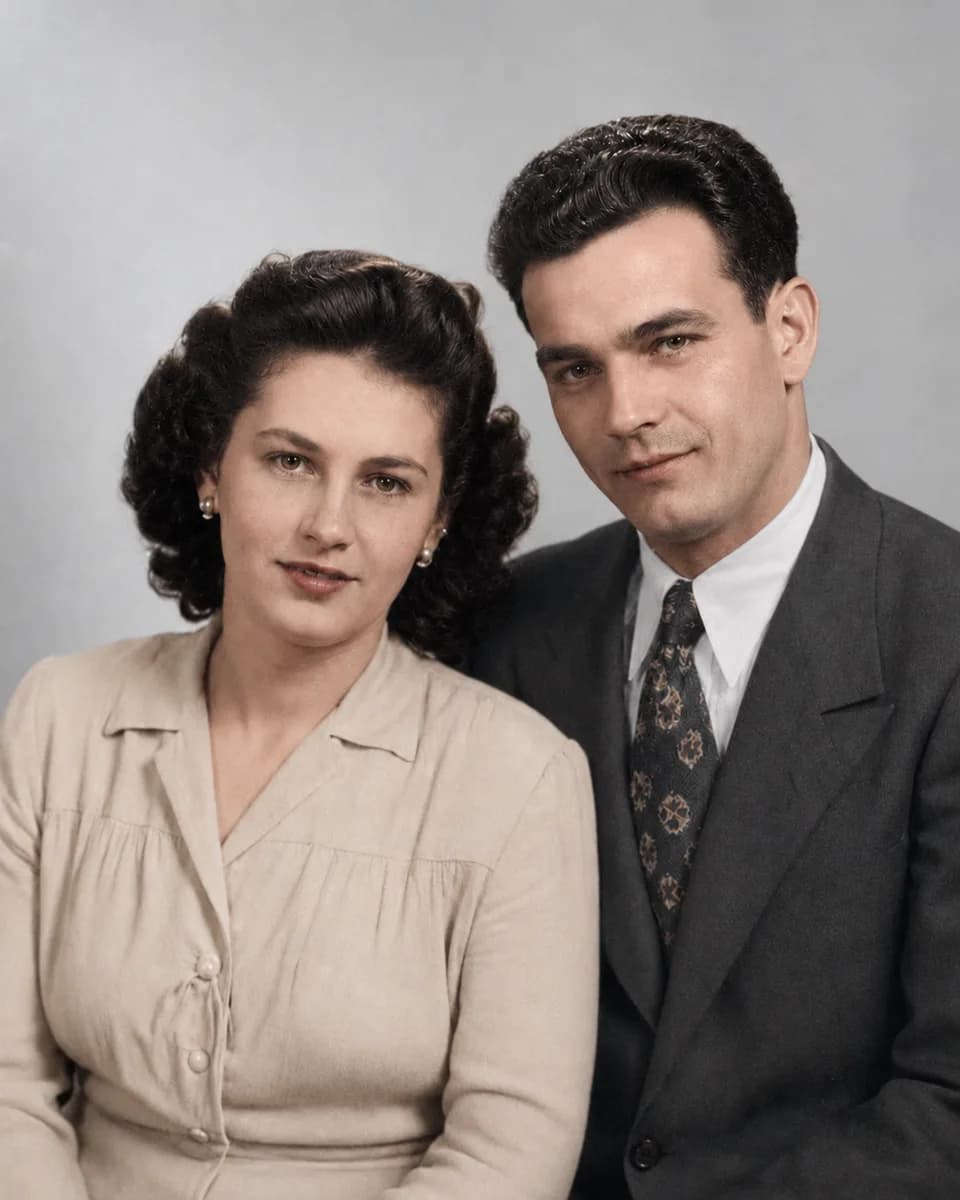
Seeing an old photo in color can completely transform how you remember a moment. Today's AI tools don’t just add color—they do it realistically, respecting natural skin tones, clothing, and backgrounds.
BeforeAfter
Black and white photo colourised
A real restoration made with Naiara, with no manual retouching. On the left, the photo as it arrived; on the right, the result.
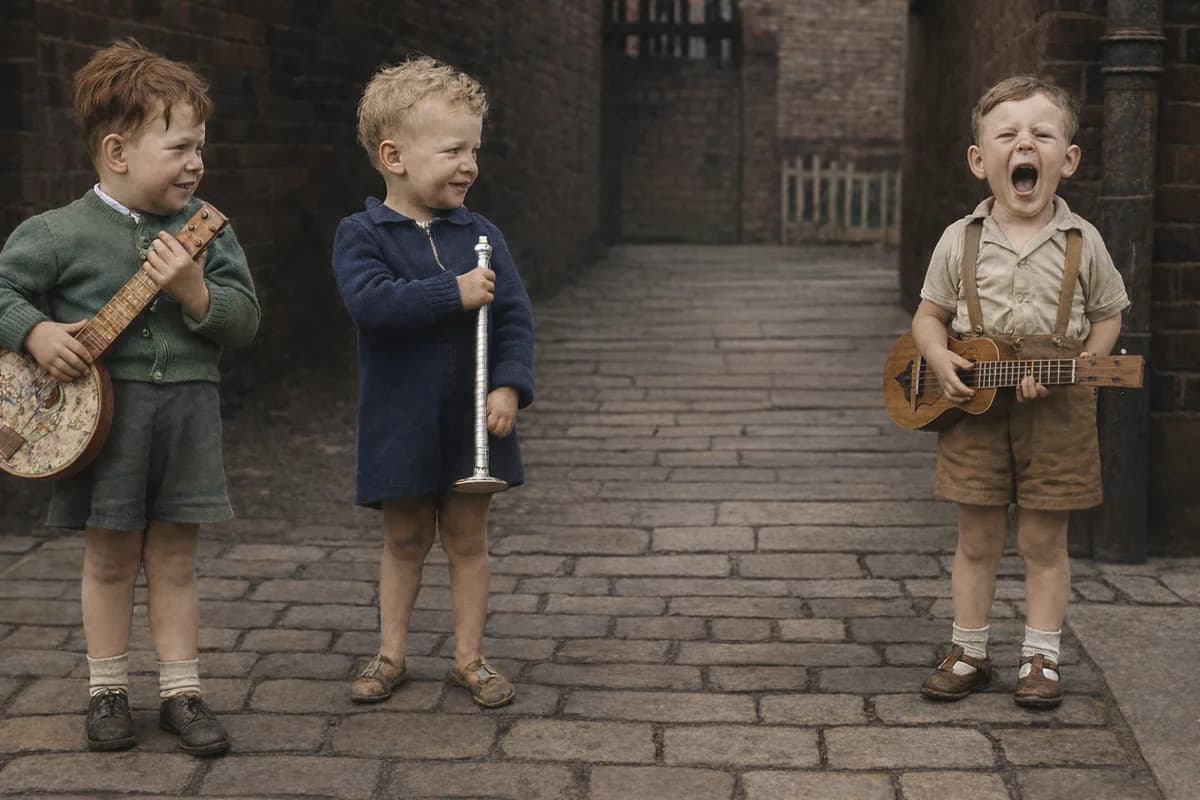
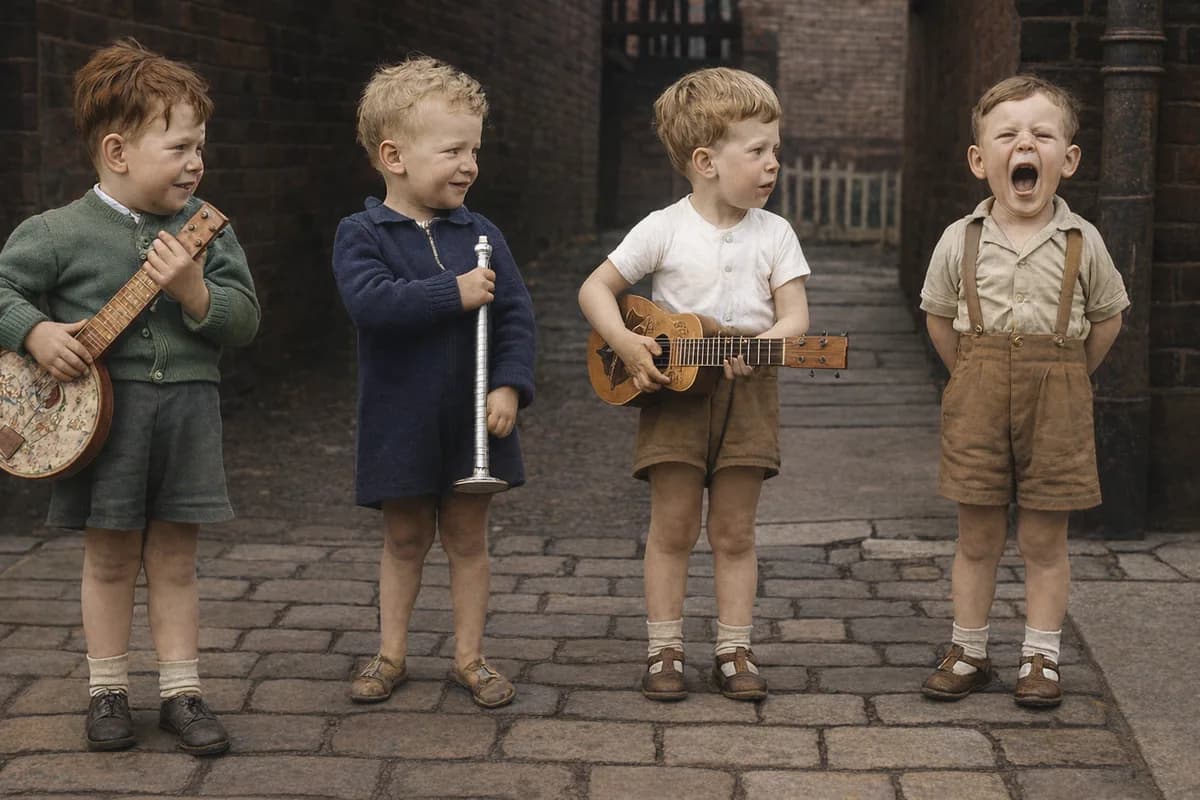
Maybe you want to focus only on certain people, or a distracting figure is ruining the background. Smart object or person removal lets you highlight what truly matters—without leaving obvious signs of editing.
BeforeAfter
Person removed from the photo
A real restoration made with Naiara, with no manual retouching. On the left, the photo as it arrived; on the right, the result.
Practical Tips for Scanning and Preparing Your Photos
Use a flatbed scanner whenever possible, at the highest resolution (at least 600 dpi).
If you don’t have a scanner, use your phone’s camera in good natural light and avoid reflections.
Gently clean the photo’s surface before scanning to remove dust.
Don’t crop edges or edit before restoring—the AI works best with the complete image.
What Makes AI Photo Restoration Different?
Artificial intelligence learns from millions of images to spot and fix flaws, fill in damaged areas, and reconstruct realistic details. The result is far more natural and much faster than manual retouching, and—best of all—accessible to anyone.
You can also instantly compare before and after with a simple slider and save your restored photo privately, ready to download and share with your family.
How to Preserve and Share Your Restored Photos
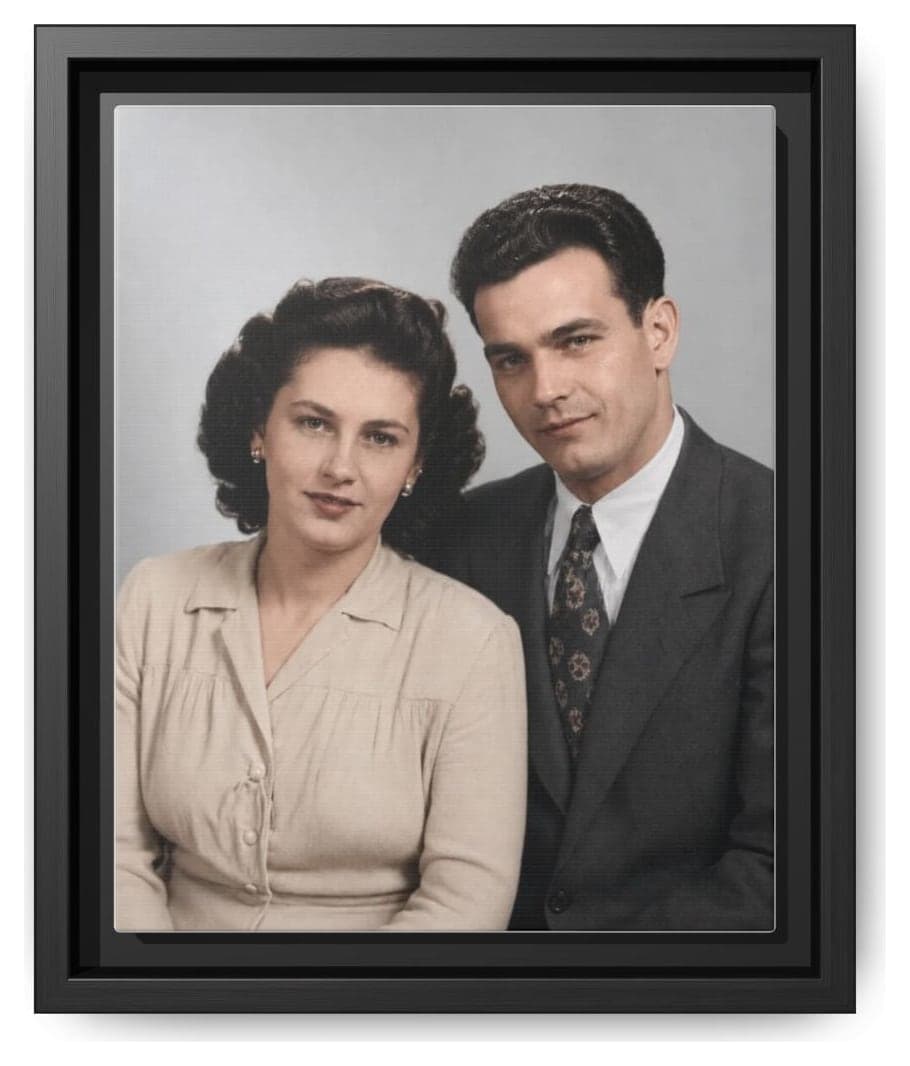
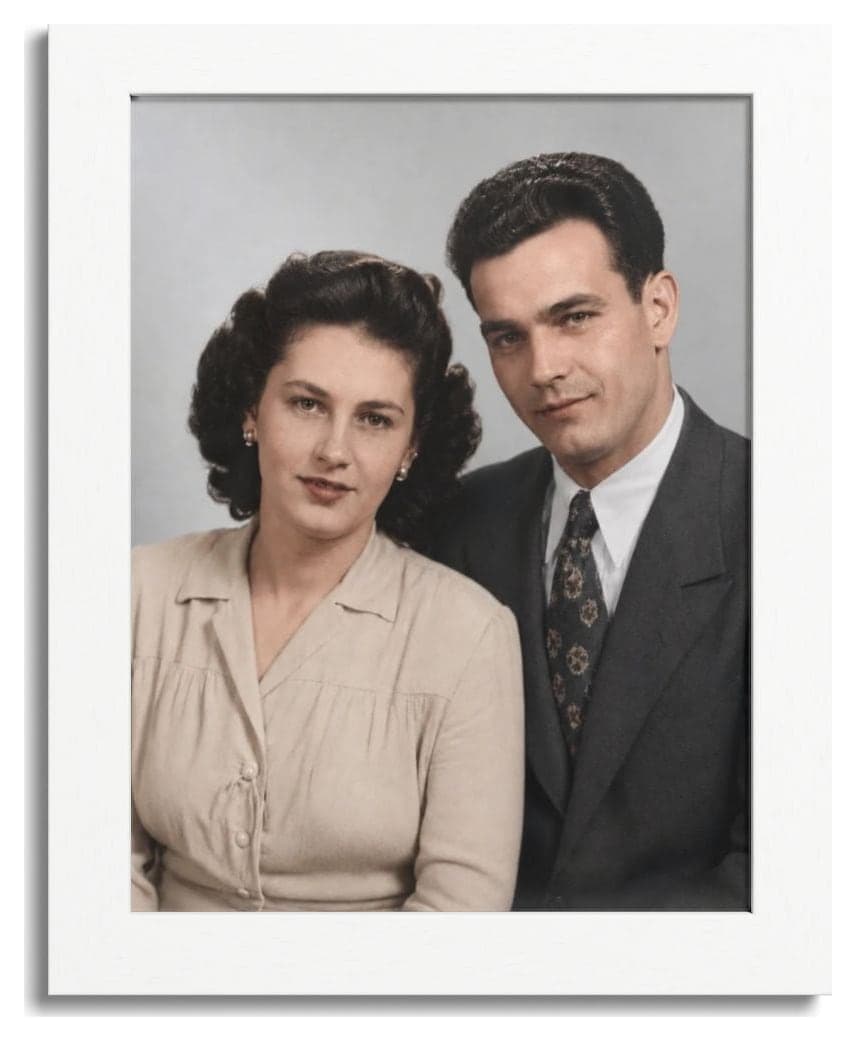
Once restored, your photos can become part of a new family album, make a meaningful gift, or even decorate your home. Printing them as canvas, poster, or postcards gives your memories a new life beyond the screen.
Your restored photo, printed and delivered
Canvases, framed prints, posters and postcards with professional printing. Before you pay, you see how it looks with your own photo.
Framed canvas
From €36.26
Canvas
From €20.30
Framed poster
From €35.94
Postcards (7)
From €11.73 · pack of 7
Real photos of our products printed with a restored photo. Shipping is calculated from your address.
Always remember to back up your restored photos to the cloud or an external drive so you never lose them again.
Countless Memories, One Simple Process
If you have a box full of damaged, inherited, or low-resolution photos, you can restore them all in just a few steps—and at a great price. Restoration packs help you save and recover your entire album without subscriptions or recurring payments.
Got a whole album?
One-time packs that never expire. Each restoration is one action: repair, colourise, upscale or remove something from the photo.
Secure payment with Stripe. No subscription, no renewals.
Bringing your family memories back to life doesn’t have to be complicated or expensive. With today’s technology, reviving your most treasured photos takes just minutes and a few clicks.
Frequently Asked Questions About Photo Restoration
How can I restore a damaged old photo?
Simply scan or photograph your image and upload it to an AI restoration tool. The process is automatic and requires no prior experience.
Can I recover the original colors of a black and white photo?
Modern AI tools can realistically colorize old photos, preserving natural tones. The final result depends on the original image’s condition.
What’s the best format for scanning old photos?
Scan in JPG or PNG format at a minimum of 600 dpi to keep maximum detail and make AI restoration easier.
Can I remove unwanted people or backgrounds from a photo?
Yes, AI allows you to select and remove objects or people, filling in the background so the edit is seamless.
Can restored photos be printed in high quality?
Absolutely. Once restored and downloaded, you can print them in different sizes and formats without losing quality—even frame them or create personalized gifts.
How to Restore Old Photos Easily | Step-by-Step Guide | Naiara