
Naiara for Windows
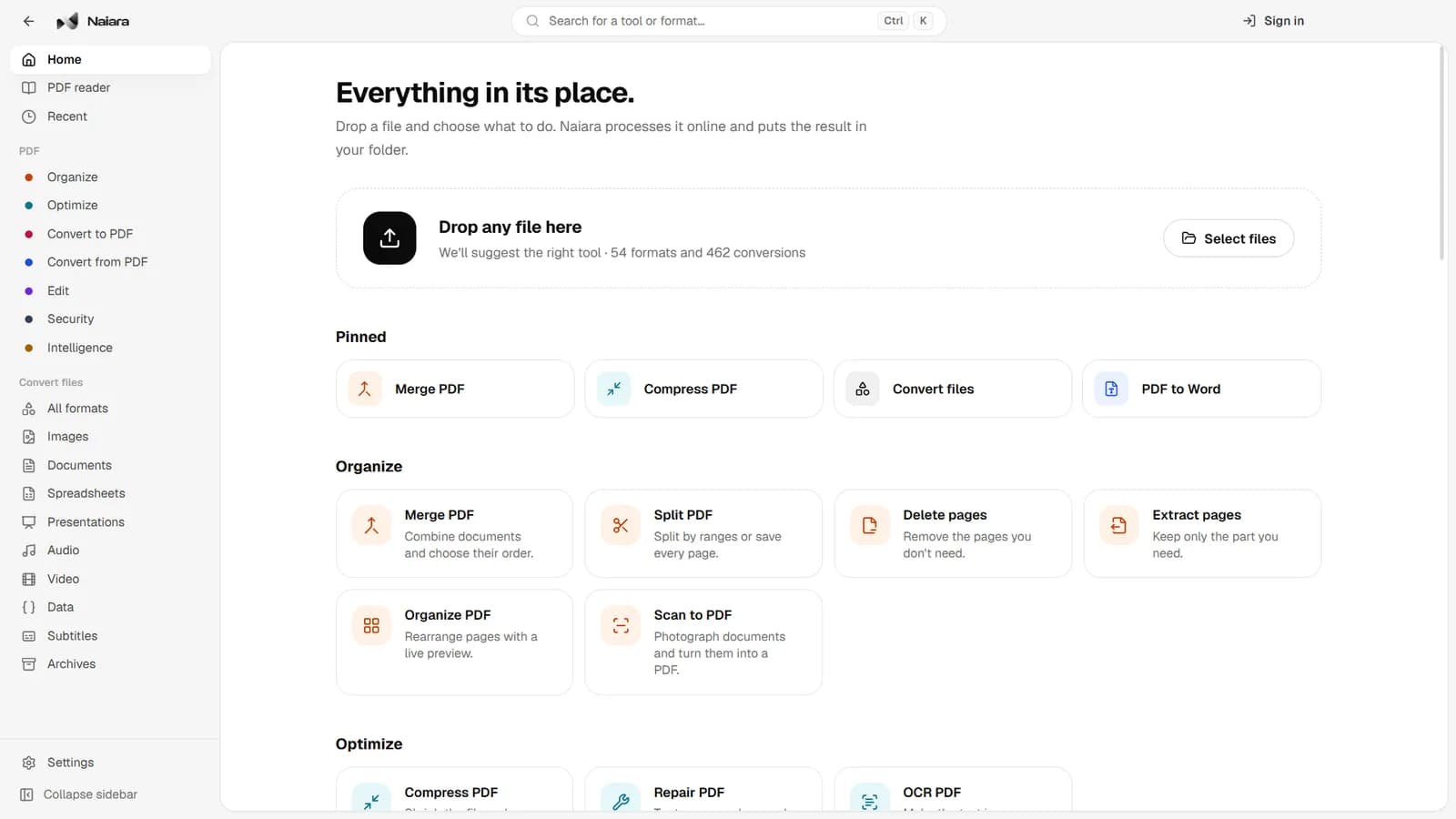
The Naiara desktop app brings the website's PDF tools and file converter to Windows, with a fast PDF reader and shortcuts in File Explorer's right-click menu. It is free and needs no account for the free tools.
- Version
- 0.1.0
- Size
- 110 MB
- Released
- November 4, 2026
Installer for 64-bit Windows. It installs for your user only, without administrator rights, and updates itself.
What it does
PDF tools
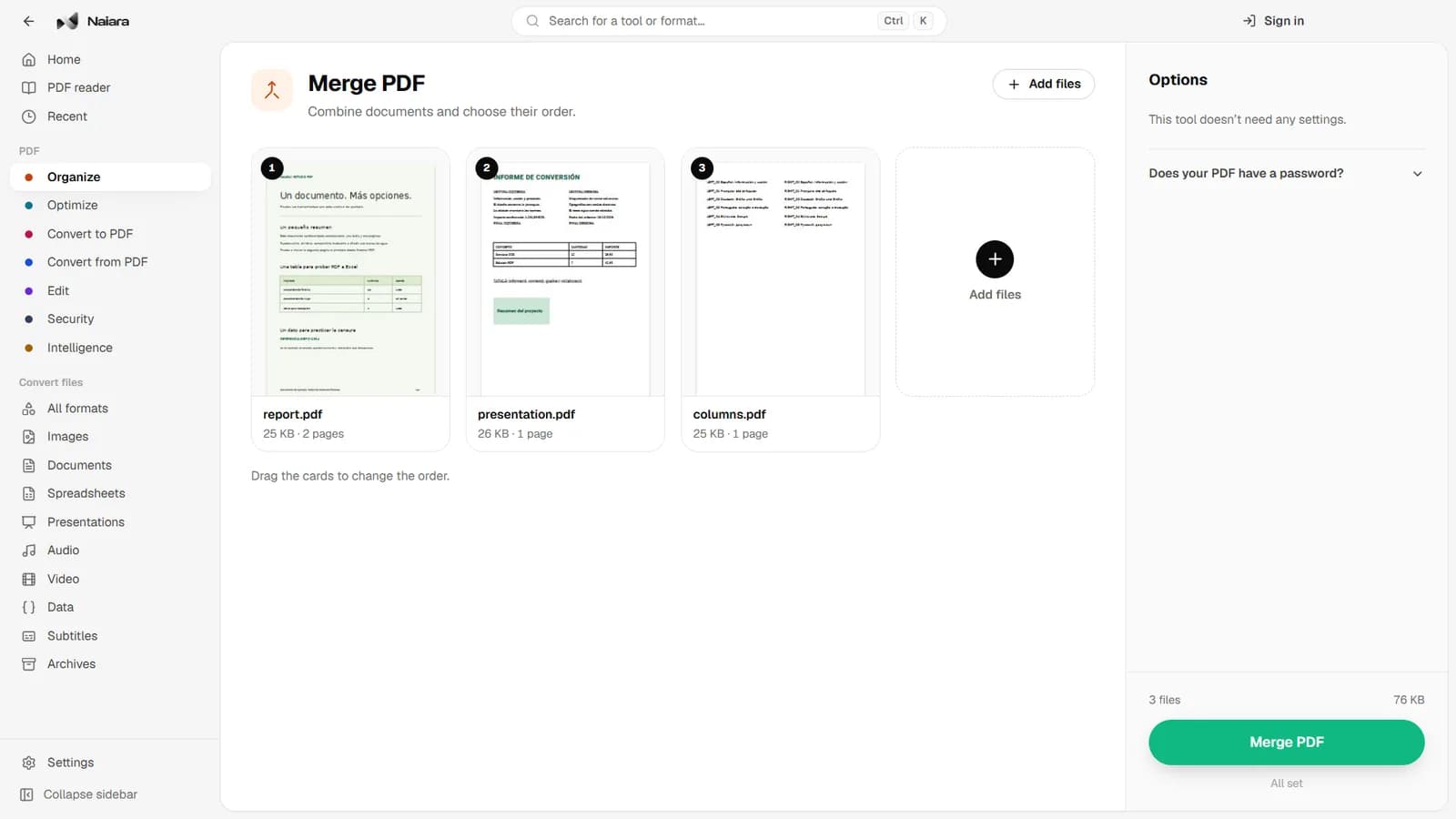
Merge, split, reorder, rotate, compress, protect and unlock PDFs; number pages and add watermarks; convert PDF to Word, Excel, PowerPoint or JPG, and turn photos and Office documents into PDF.
File converter
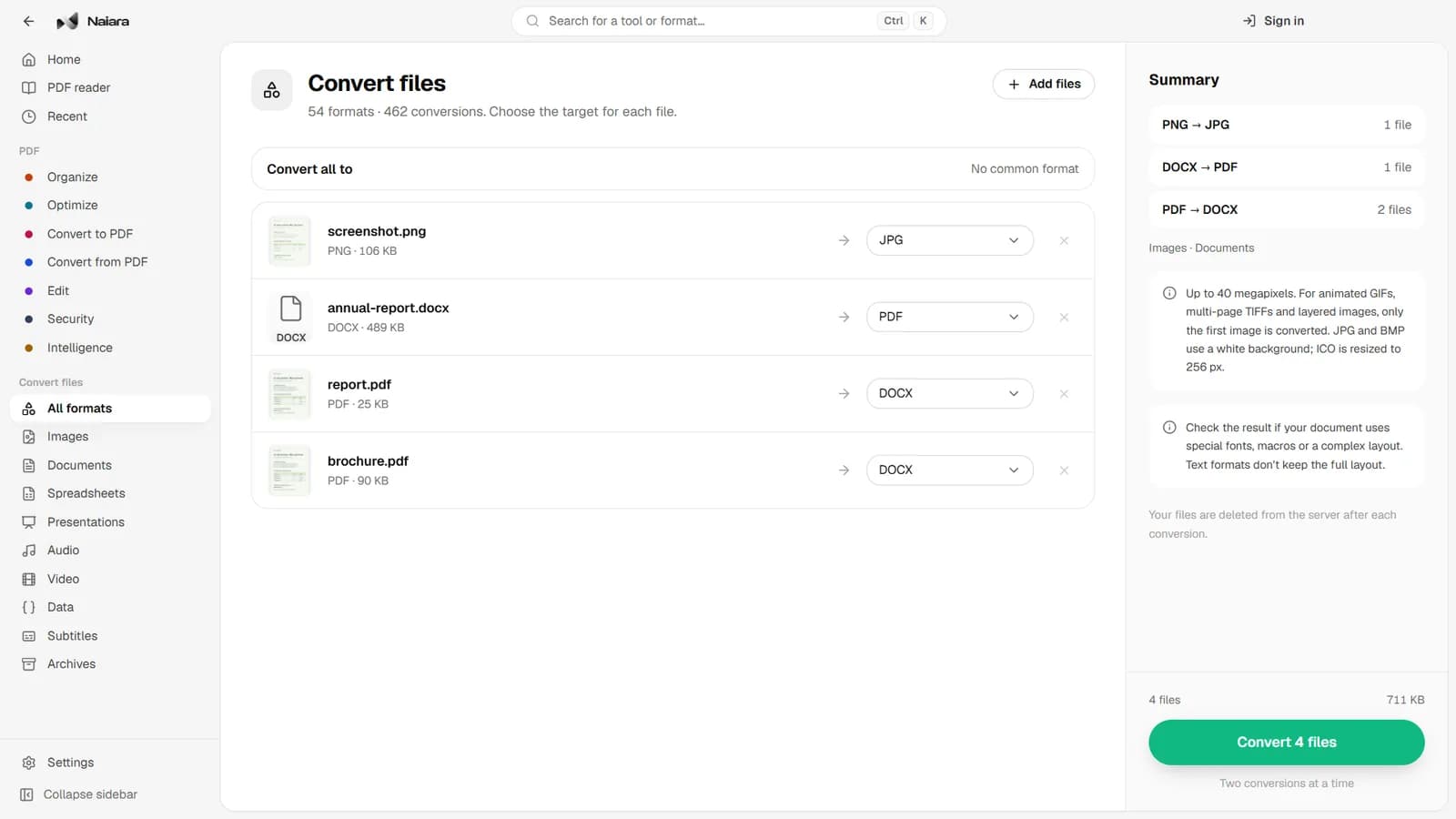
54 formats and 462 conversions between images, documents, spreadsheets, presentations, audio, video, subtitles, data and archives. Convert many files at once and pick a format for each.
PDF reader
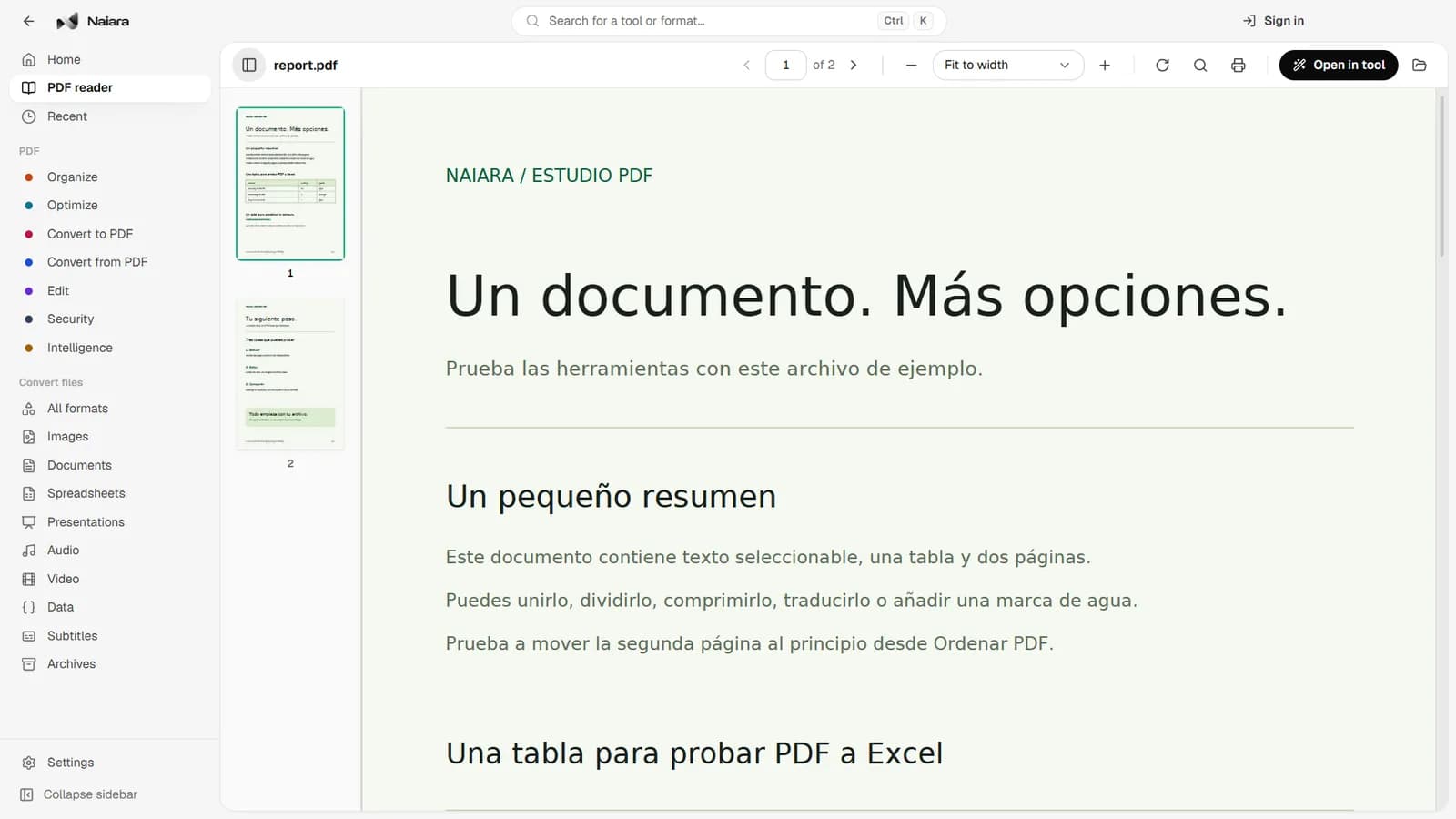
Opens large documents instantly, with thumbnails, search, zoom, rotation and printing. It also works offline.
File Explorer menu
Right-click a PDF, an image or a document and choose Compress PDF, Merge PDFs, Convert to PDF or Convert with Naiara without opening the app.
Your originals stay untouched
Results are saved to your folder and never overwrite the original file.
Screenshots
Requirements
- 64-bit Windows 10 or Windows 11 (x64).
- An internet connection to process files; the PDF reader works offline.
- 4 GB of RAM recommended.
Your files
Files are sent encrypted to Naiara's servers only to be processed and are deleted when the job is done. Signing in is optional: you only need it for Naiara Plus and the AI features.