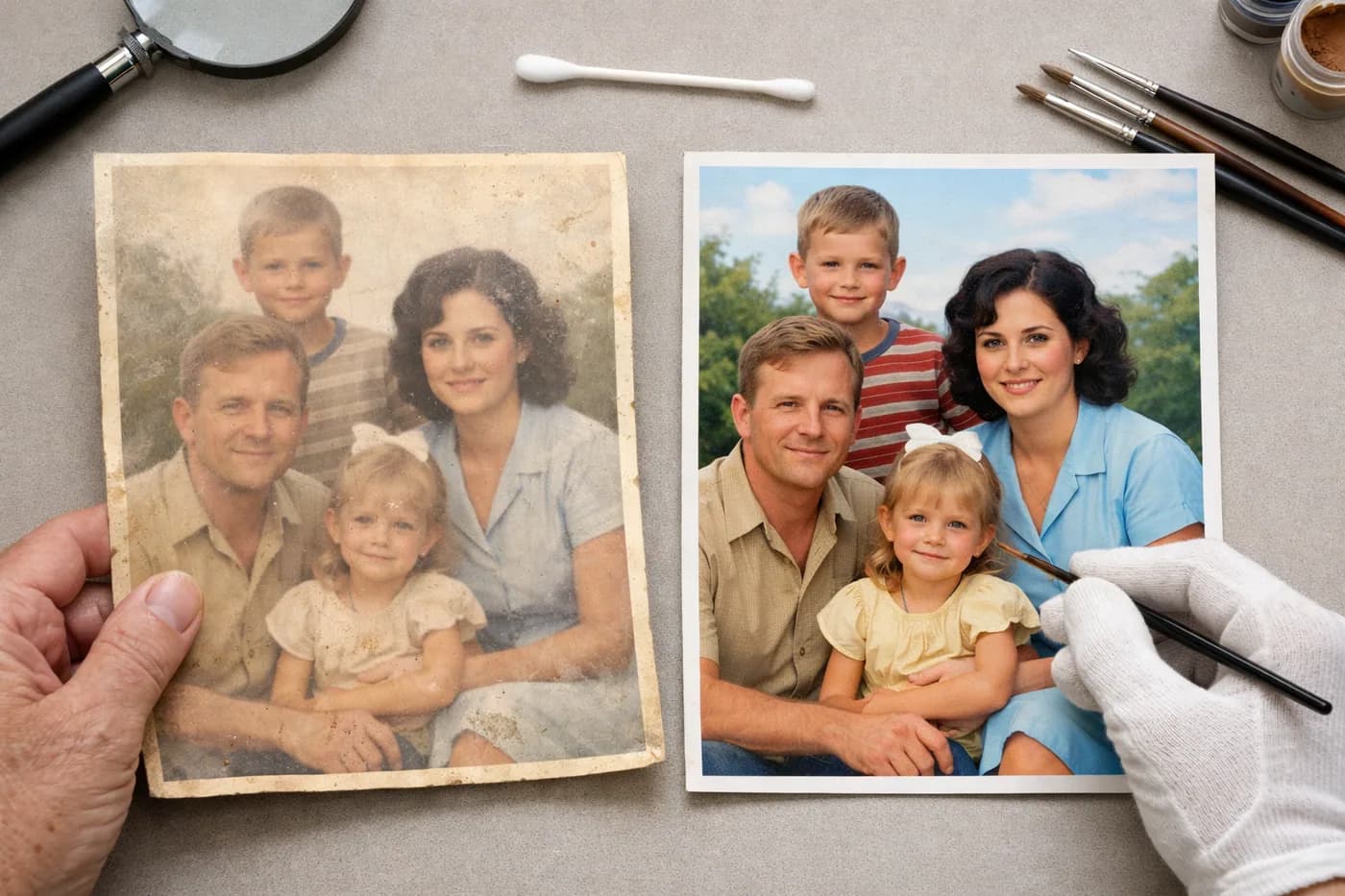
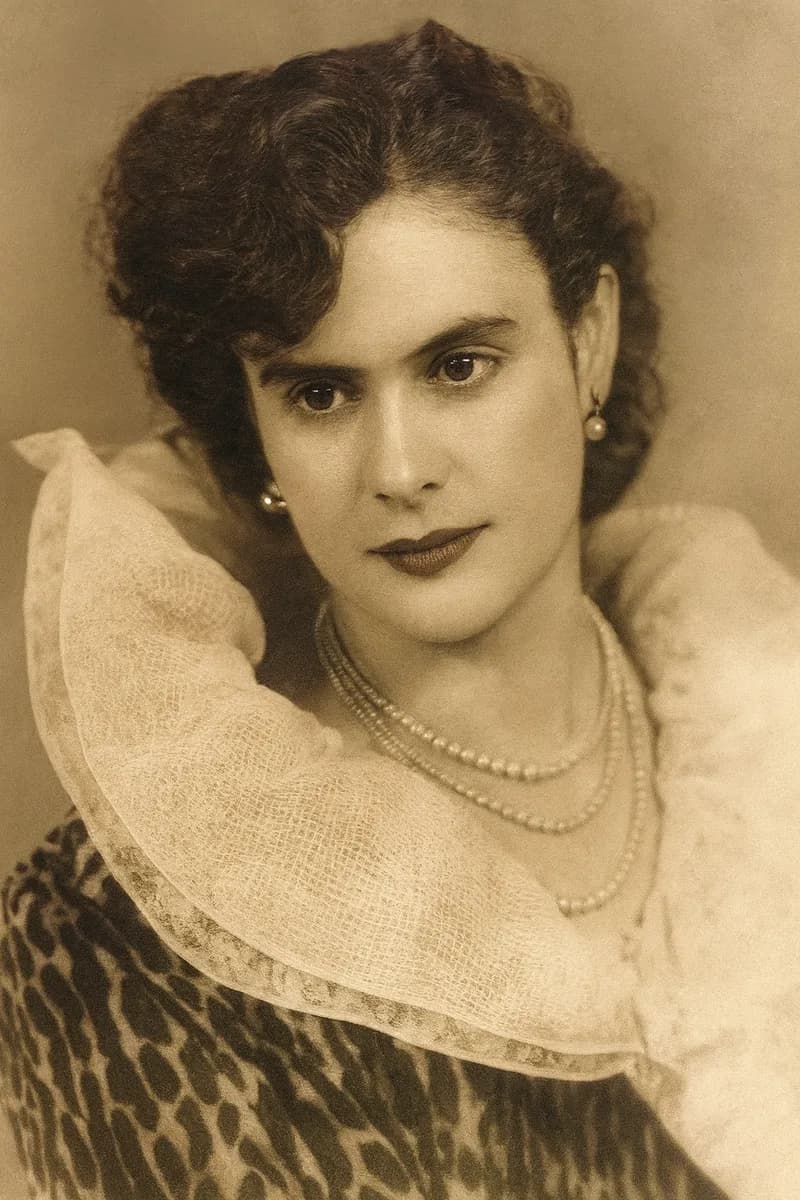
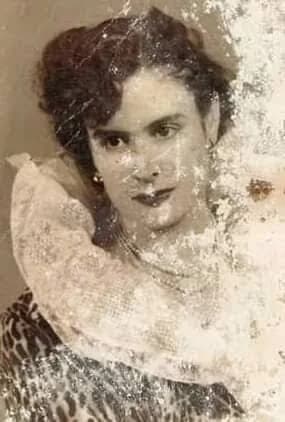
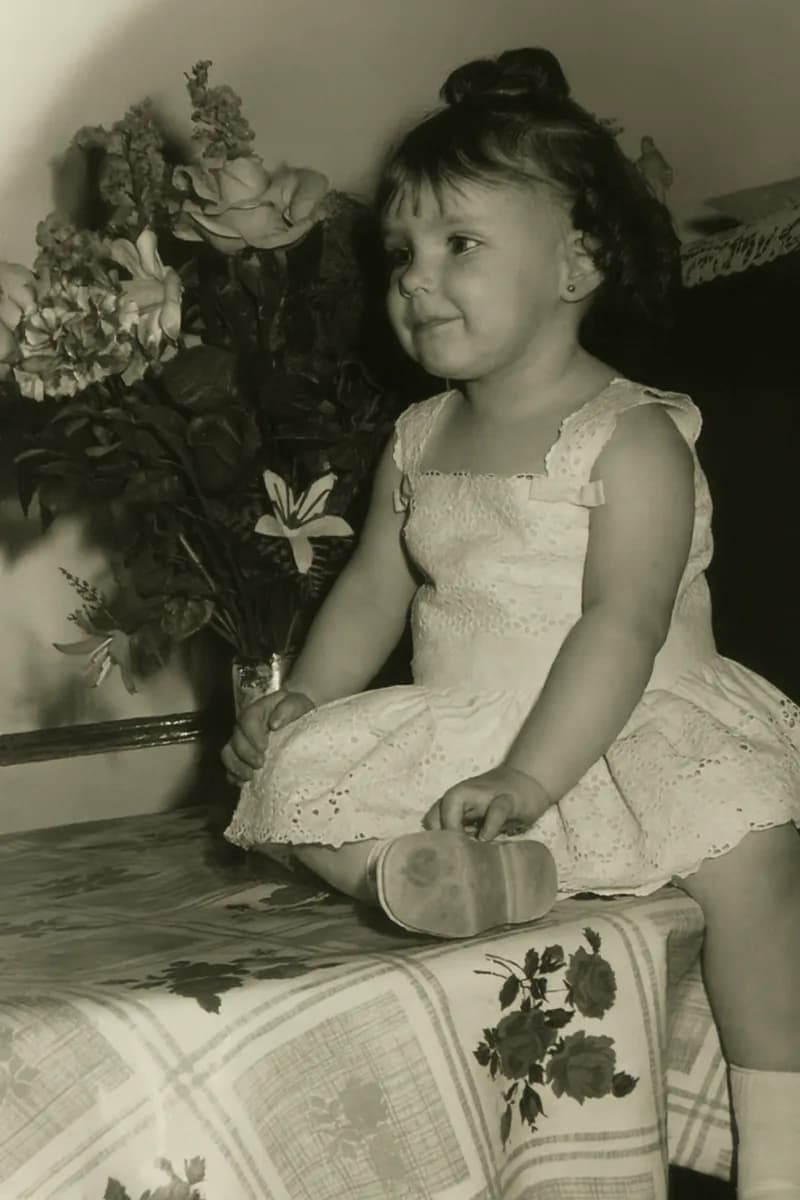
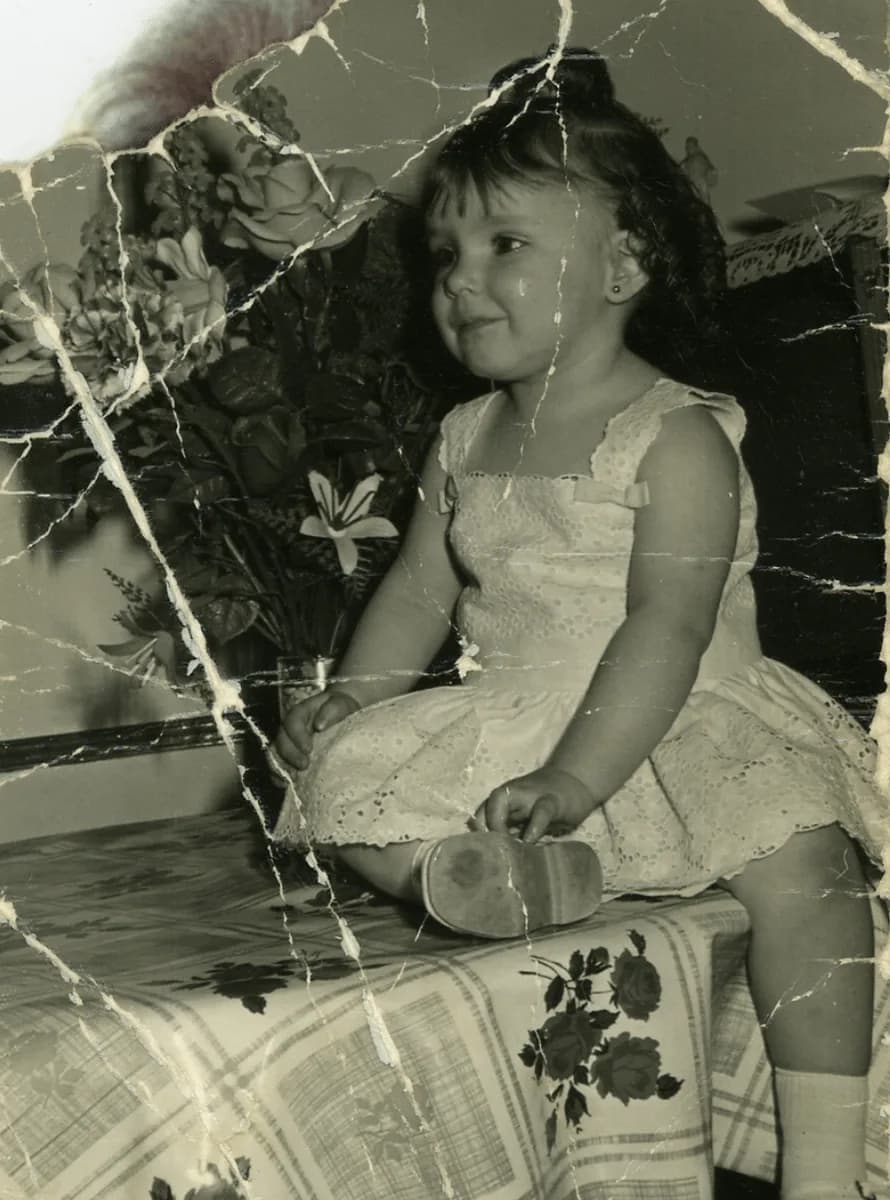
A faded photograph is an image that has lost some or all of its original colors, turning pale, yellowish, or showing strange tints. This is a common issue in family albums and old printed photos, but thankfully, it’s now possible to restore color and sharpness quickly—no tech skills required.
Why Do Photographs Fade and How Can You Spot It?
Photos printed on chemical paper—especially before the 1990s—are vulnerable to light, humidity, heat, and the quality of their original materials. Over time, these factors cause pigments and dyes to deteriorate. Faded photographs are easy to recognize: colors look washed out, yellow or red tones dominate, and details become less clear.
Fading is different from other issues like scratches, stains, or physical tears. If your photo seems to have lost contrast or the original colors are barely visible, you’re likely dealing with a faded photograph.
What Can Be Restored in a Faded Photograph?
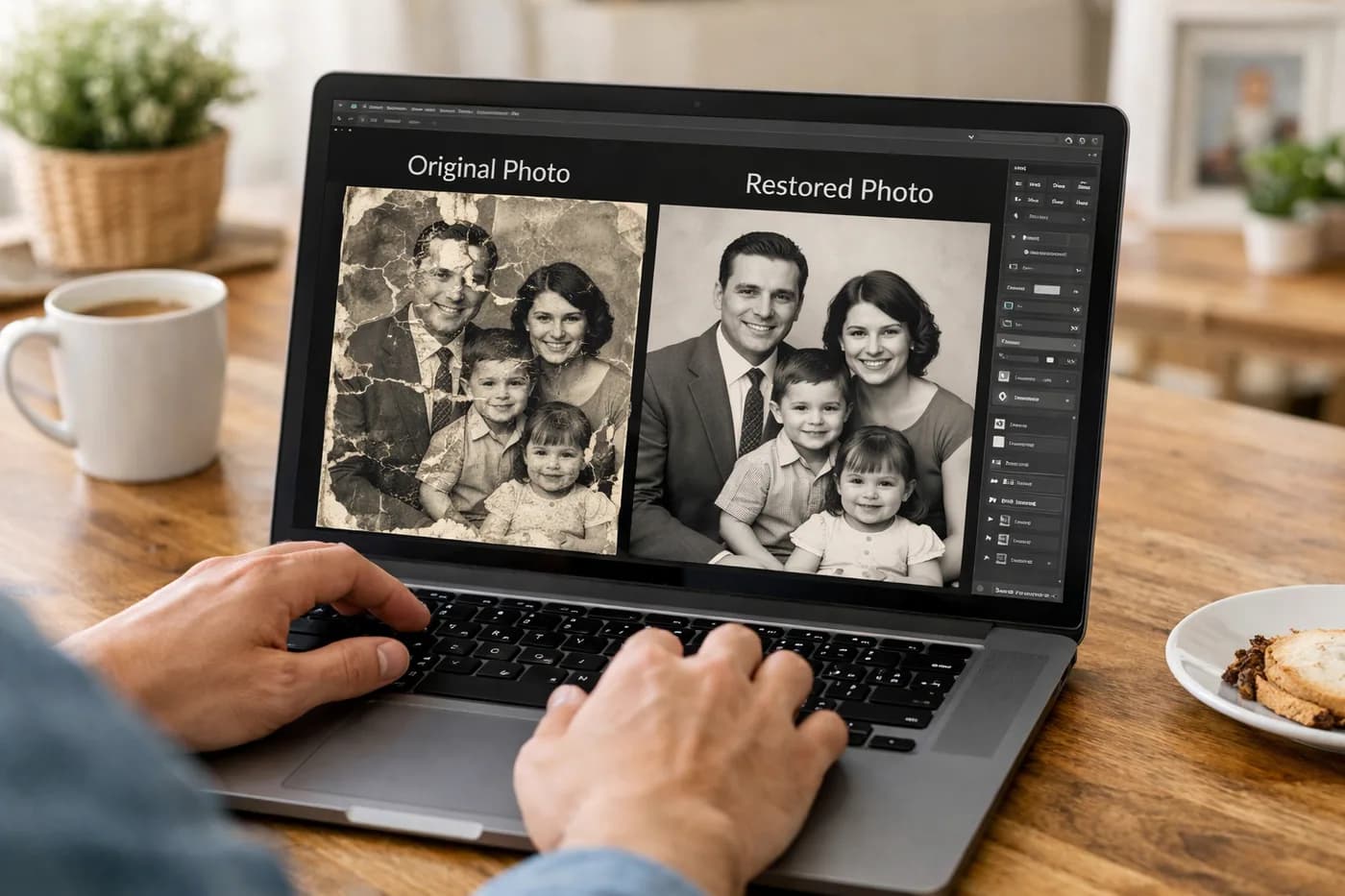
With today’s technology, you can bring back much of the original color, contrast, and even some sharpness. There are limits, though: if the image is completely erased or the original colors are totally lost, it’s impossible to restore them 100%. Still, artificial intelligence can revitalize old photos and deliver realistic results in most cases.
If your photo is also physically damaged (tears, scratches, stains), it’s best to restore the color first and then fix the physical flaws. You can learn more about this process in our guide on removing scratches from old photos.
Step-by-Step: How to Fix a Faded Photograph
Restoring color in a faded photograph is easier than you might think, especially with online tools powered by artificial intelligence. Here’s how to do it quickly and safely—no complicated software needed:
- Scan your faded photograph. Use a scanner, or if you don’t have one, check out this guide on how to digitize old photos with your phone.
- Upload it to the restoration tool. With Naiara, the process is instant—no installation or payment details required for your first try.
- AI analyzes and restores the color. In under a minute, you’ll see the result compared to the original.
- Download your restored photo. If you’re happy with the outcome, save the high-resolution image and keep it forever.
What If You Prefer to Restore Color Manually?
If you’re up for manual editing, you can use software like Photoshop or GIMP. This process is more involved and requires some retouching skills:
- Adjust white balance to fix color casts.
- Use curves and levels to enhance contrast.
- Apply selective saturation tools to revive faded colors.
- In extreme cases, manually color specific areas—see our guide to coloring black and white photos.
However, this method can be frustrating and doesn’t always deliver natural-looking results, especially if the photo is heavily faded.
Tips to Prevent Further Fading
Once you’ve restored color, it’s crucial to protect your photo so it doesn’t fade again. Here are some practical tips:
- Store photos in cool, dry places, away from direct light and humidity.
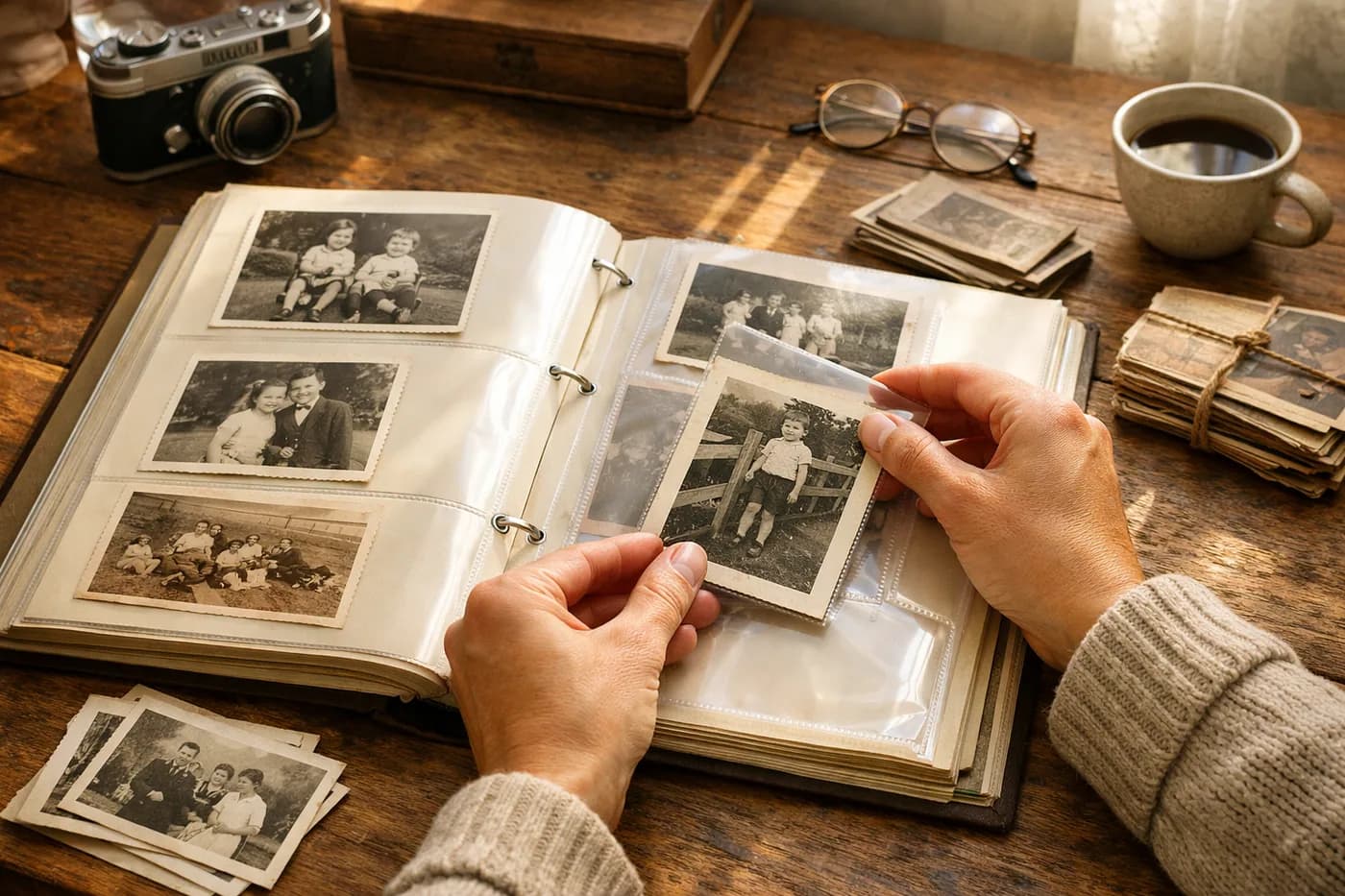
- Use acid-free albums or boxes to prevent chemical reactions.
- Digitize all your important photos so you always have a safe, restorable backup.
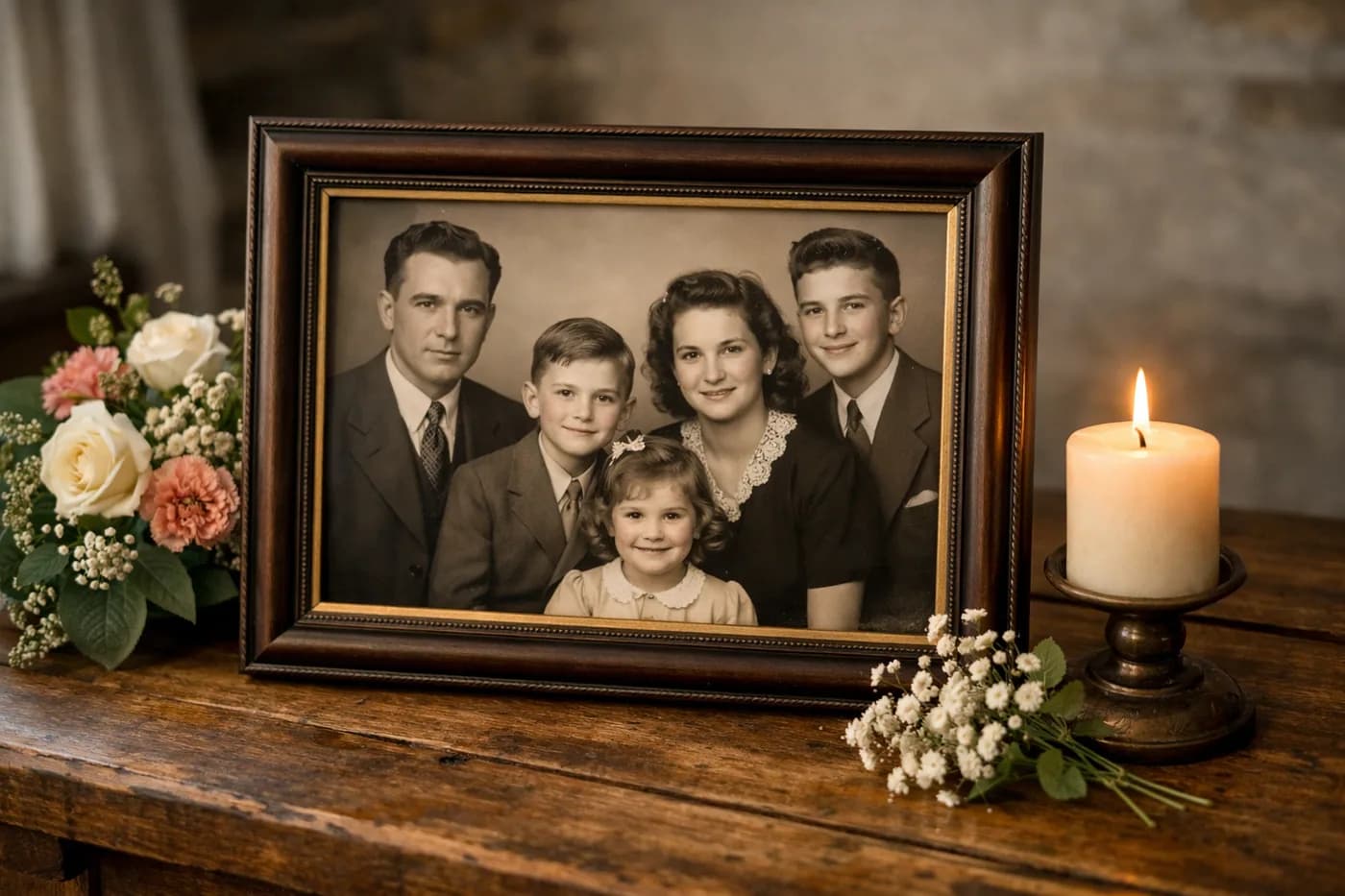
- If you want to display your restored photos at home, check out how to print restored photos professionally and pick the best format.
Can You Restore Color in Very Old or Black and White Photos?
For black and white photographs, current technology can realistically colorize them. Results depend on the image’s condition and available details, but you can achieve stunning images—even from century-old photos.
How Much Does It Cost to Restore Several Faded Photos?
With Naiara, you can buy credit packs to restore multiple images—no subscription, no expiration. It’s a convenient option if you have a whole family album or a collection of memories to bring back.
Remember, your first restoration is free—no card or commitment needed.
Frequently Asked Questions About Restoring Faded Photographs
How do you fix a faded photograph?
The easiest way is to digitize the photo, upload it to an online tool like Naiara, and let AI recover the original colors. You can also do it manually with editing software, but it’s more complex and time-consuming.
Why do my old pictures look blurry or faded?
Exposure to light, humidity, and heat breaks down the pigments and dyes in photo paper, causing colors to fade or shift to yellowish or reddish tones. Blurriness can also result from aging paper or poor digitization.
Can you restore faded photos completely?
Digital restoration often brings back most of the original colors, but if the loss is extreme or the image is nearly erased, some details may be gone for good. AI can recreate realistic tones, though they may not be a perfect match.
Can I restore a photo that’s already digital but very blurry?
Yes—along with restoring color, artificial intelligence can enhance sharpness and resolution in blurry digital photos, giving you a clearer, more defined image.