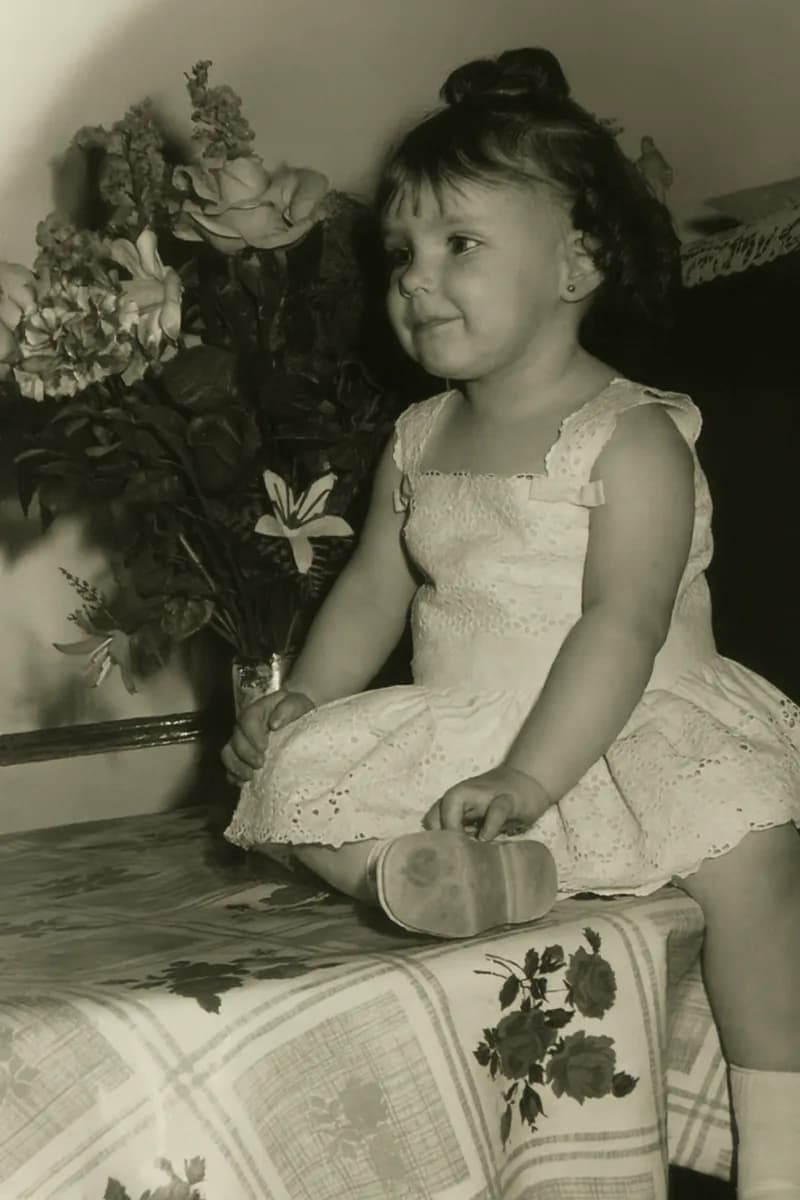
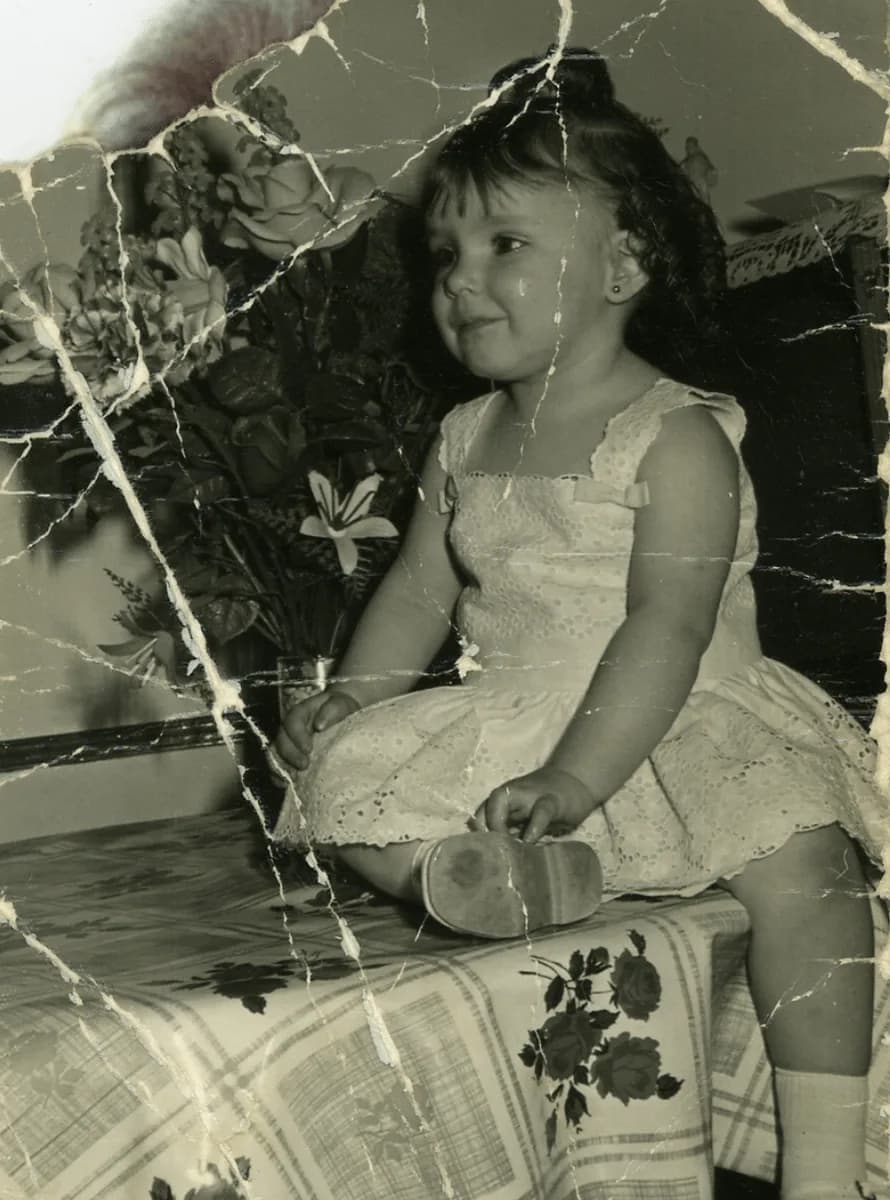
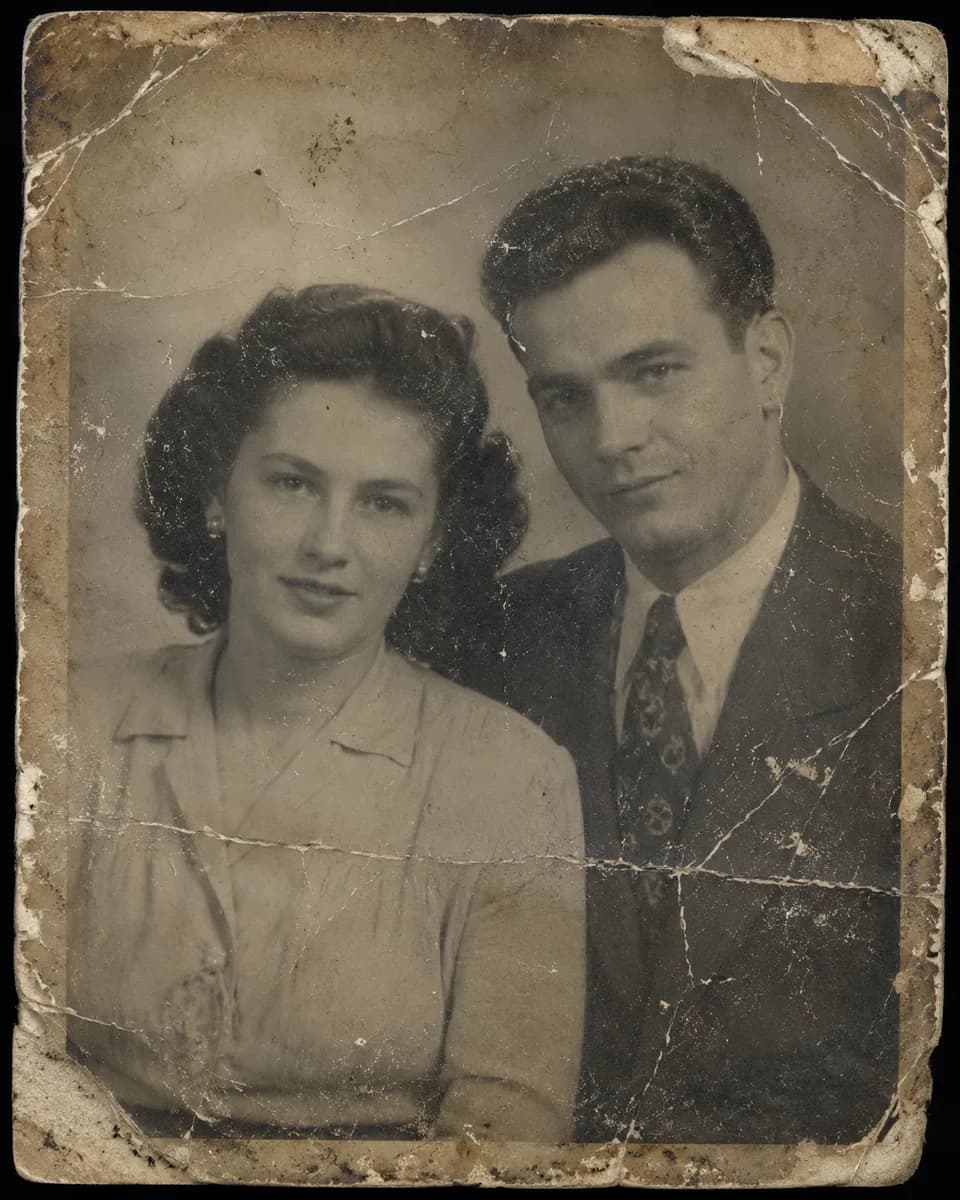
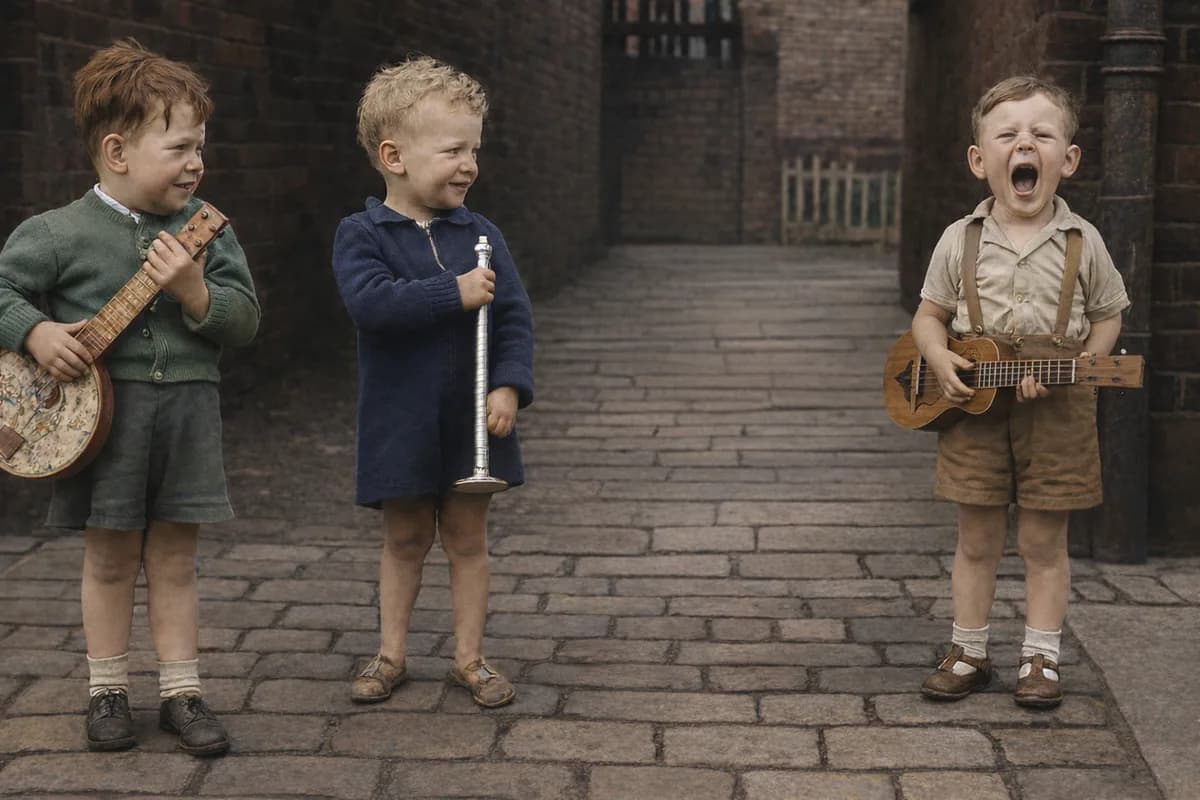
Do you have old, damaged, or blurry photos you’d love to bring back to life for free? Now you can restore them easily, with no technical skills or complicated software required, and see results in under a minute. Simply upload your image and enjoy a free restoration—those precious family memories can look vibrant again.
Why Restore Your Old Photos?
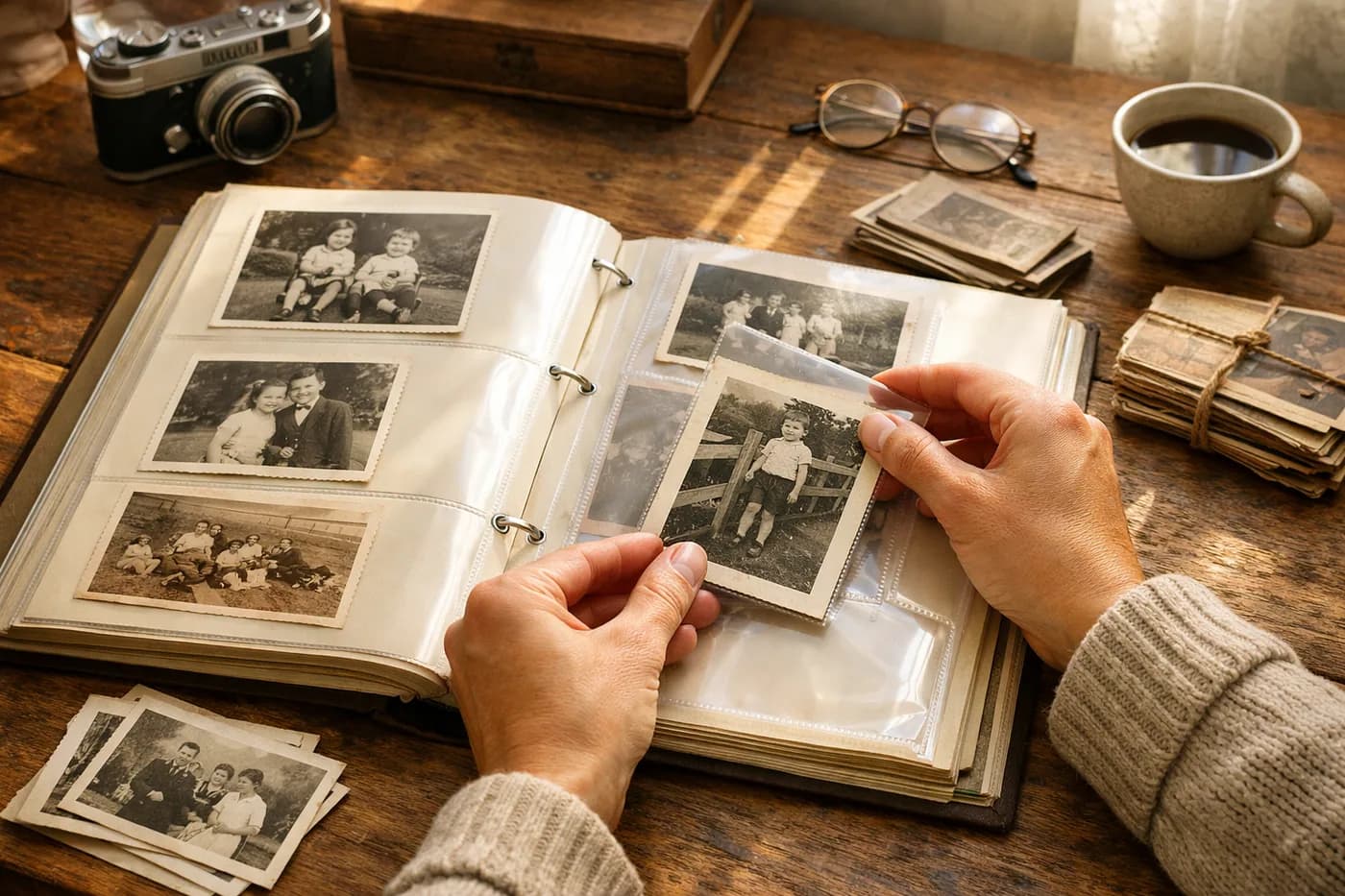
Old photos are windows into your family’s history, your ancestors, and unforgettable moments. Over time, many of these photos suffer: tears, stains, faded colors, dust, or even missing sections. Restoring them not only improves their appearance but also preserves the memories and emotional value of those unique moments.
- Recover lost details: Faces and backgrounds become recognizable again.
- Remove flaws: Say goodbye to scratches, creases, and water stains.
- Update the color: Black-and-white photos can be brought to life with stunning realism.
Until recently, restoring photos meant hiring retouching experts or paying for expensive professional services. Today, AI makes it easy for anyone to restore their photos right from home.
What Types of Damage Can Be Fixed?
Modern digital restoration can solve a wide range of issues in old photos. From obvious damage to subtle improvements, technology helps you with:
Tears, Scratches, and Stains
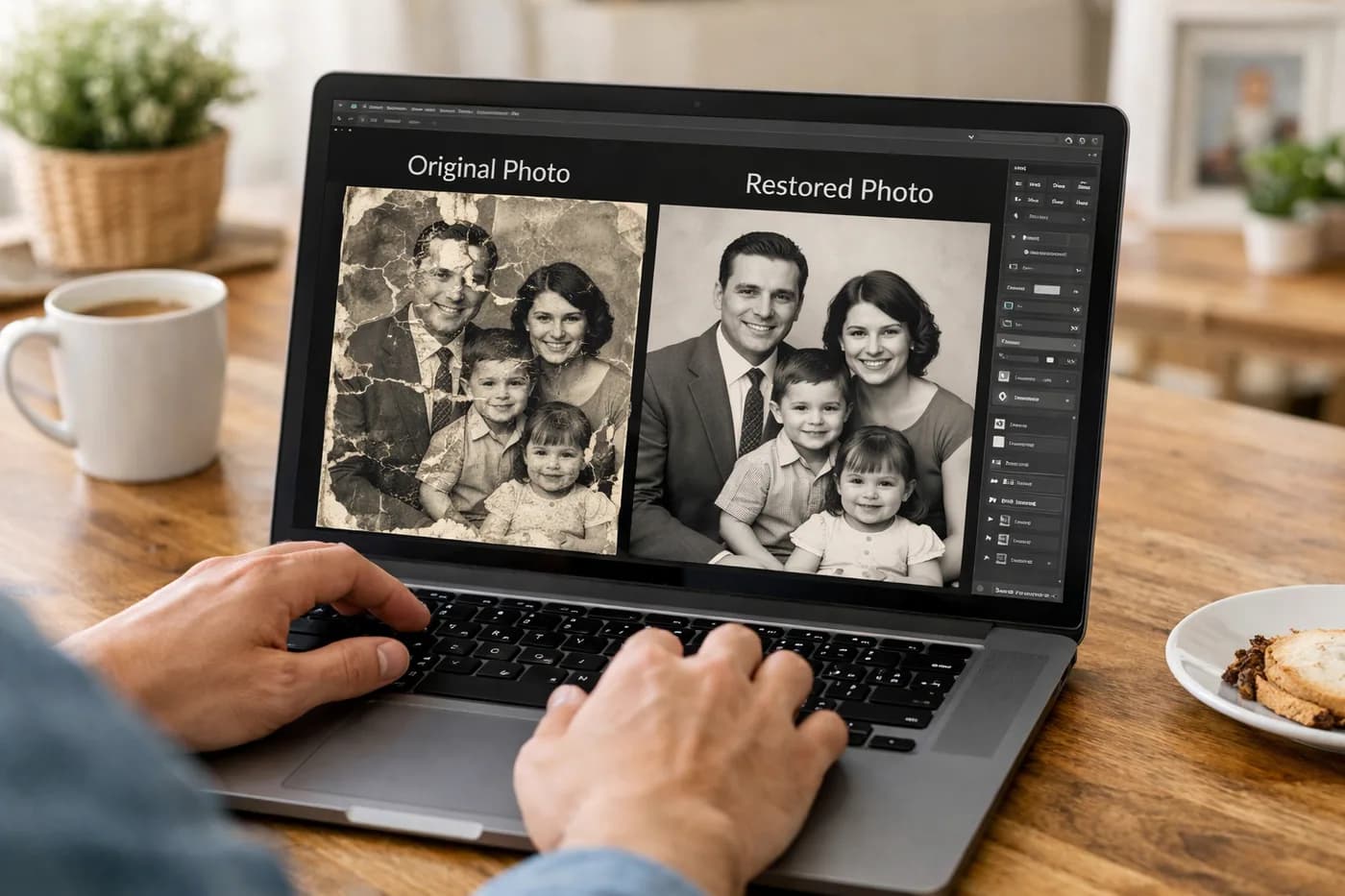
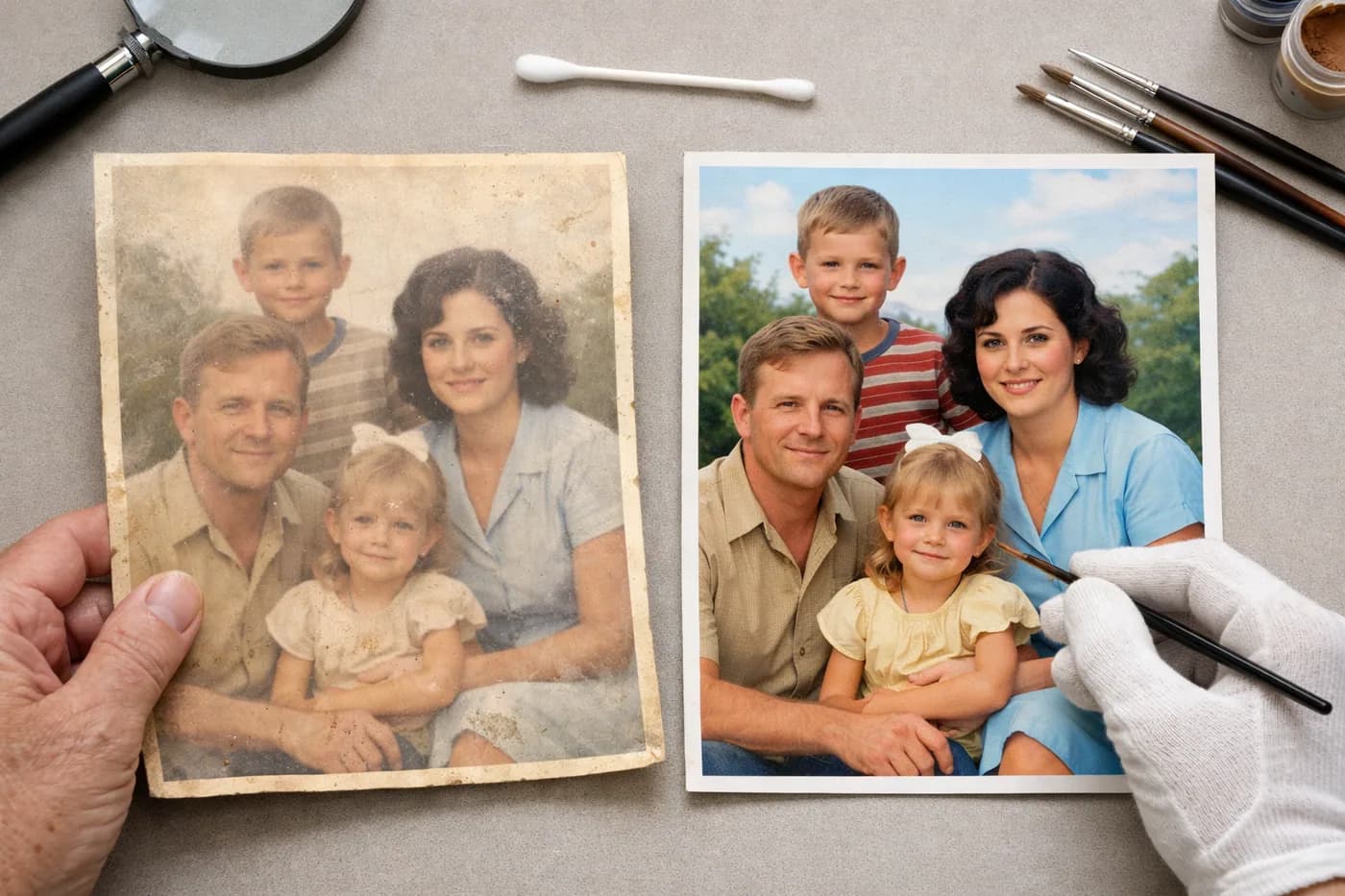
Physical photos often suffer from torn edges, surface scratches, or stains from moisture and age. Digital restoration removes these flaws and brings your image back to its original look.
Blurry or Out-of-Focus Images
Have a beautiful photo that’s just not sharp? Today’s tools can boost resolution and clarity for old or poorly scanned images—revealing details you thought were lost forever.
Colorizing Black-and-White Photos
One of the most popular features is transforming black-and-white photos into color. This adds realism and helps you connect with the past in a vivid, lifelike way.
Removing Unwanted Elements
Sometimes, a family photo is "ruined" by a person or object you’d rather not keep. Now it’s easy to digitally remove those elements and focus on what truly matters.
How to Restore Your Photos for Free: Step by Step
Digital restoration doesn’t have to be complicated or expensive. You can restore your first photo for free—no sign-up or payment details required. Here’s how simple it is:
- Select the photo you want to restore from your computer or phone. It can be a scanned image, a family album photo, or even an old snapshot.
- Upload it to the web restoration tool. The system will analyze the damage and apply automatic improvements.
- See the result with a before/after slider to compare the transformation, and download it if you’re happy.
Your first restoration is completely free and risk-free. If you want to restore more images, you can buy credit packs—no subscriptions, no expiration dates.
Tips for the Best Digital Restoration
To get the best results when restoring your photos, follow these practical tips:
- Scan your photos at the highest possible resolution. If you only have a print, use a good camera with plenty of light and no glare.
- Don’t crop or edit the photo before uploading. The tool works best when it can see the whole image and all its damage.
- Always keep a copy of the original. This way, you can go back if needed or try different settings.
- Experiment with different photos. Your first restoration is free, so feel free to try it out with no commitment.
What to Do After Restoring Your Photos
Once your images are restored, you can share them with family, create digital albums, or even print them to decorate your home or give as a special gift. You’re not just recovering memories—you’re giving them new life.
Frequently Asked Questions About Free Photo Restoration
Most tools accept JPG or PNG files. For the best results, use the highest quality and resolution you have.
Are there any limitations to the free restoration?
Your first restoration is completely free and doesn’t require a credit card. If you want to restore more photos, you can purchase one-time credit packs with no subscription or expiration.
What about the privacy of my photos?
Your images are processed privately and securely. Only you can access them and your restoration history, which you can download at any time.
Can I restore a very damaged photo?
AI technology can often recover even badly damaged photos with tears, stains, or blurred areas, though results may vary depending on the original condition.