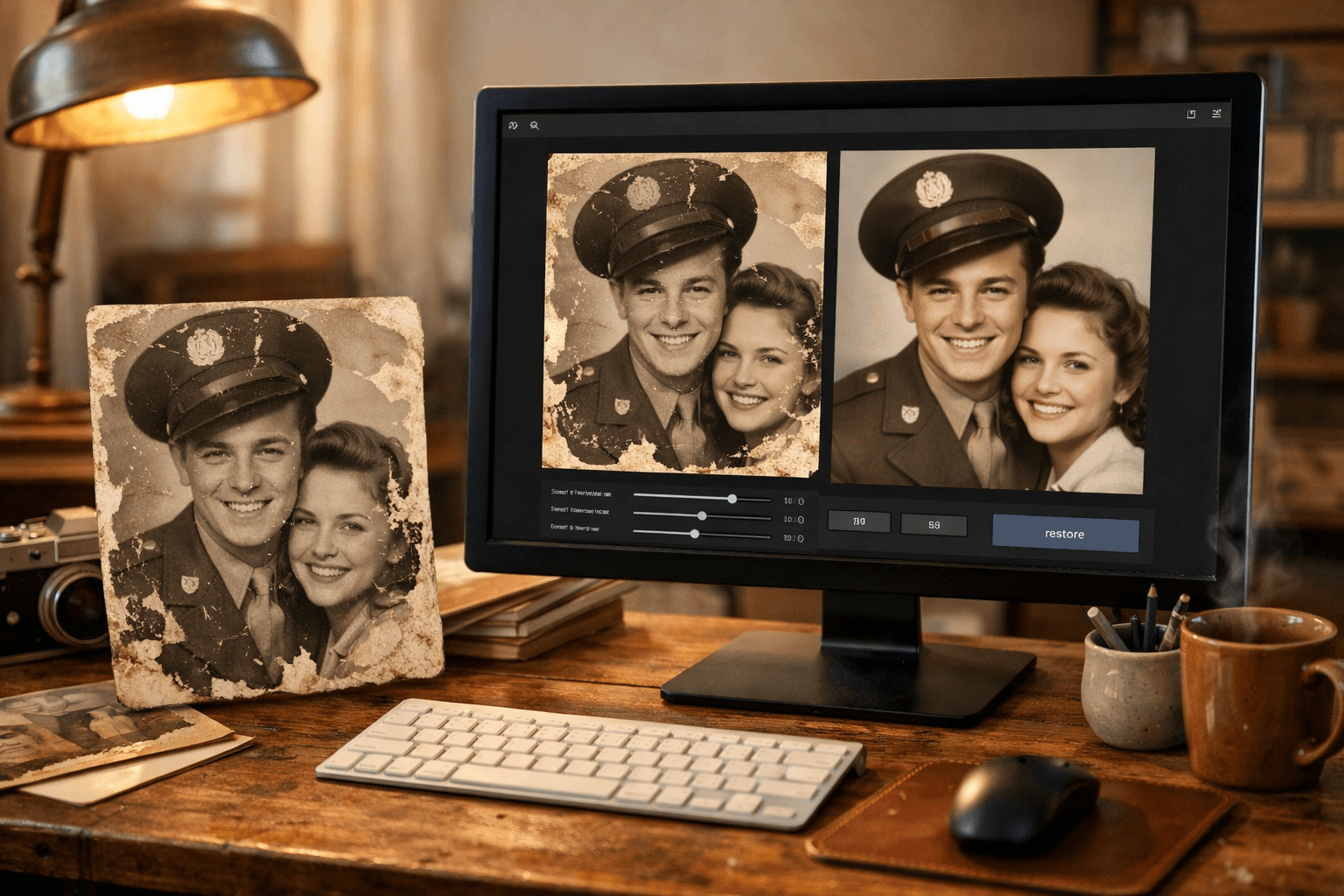

Why Restoring Your Old Photos Matters
Family and personal photographs capture priceless moments of our lives and those of our loved ones. Over time, however, these images can suffer damage—scratches, dust, tears, fading colors, or low resolution are common issues that diminish their original quality and charm.
Restoring these photos not only preserves cherished memories but also allows you to share and enjoy them in better condition, helping future generations connect with their family history.
Benefits of Using an AI-Powered Web Photo Restoration App
Traditional photo restoration often requires technical skills or professional services, which can be expensive and time-consuming. An AI-based web app offers key advantages:
- Easy to use: no photo editing experience needed to enhance your images.
- Fast results: automated processes restore photos within minutes.
- Natural-looking outcomes: AI repairs scratches, removes dust, and improves resolution while maintaining an authentic appearance.
- Privacy assured: your photos are stored securely in a private history.
- Full control: compare before and after images with a slider to see the improvements.
How to Make the Most of Your Free Restoration When Signing Up
To encourage users to try this technology, many platforms offer a free restoration upon creating an account and verifying your email. Here's how to get the best experience:
- Register with a valid email: use an email you check regularly to complete verification smoothly.
- Upload an old or damaged photo: choose a meaningful image, whether black and white, scratched, or low resolution.
- Run the restoration: the app will automatically fix damages, enhance resolution, and add color if applicable.
- Review the results: use the slider to compare the original and restored photos and appreciate the improvements.
- Download and save your restored image: keep the enhanced copy to print or share with family.
This free restoration is the perfect chance to test the quality and ease of AI technology with no commitment.
Tips for Getting the Best Photo Restoration Results
- Scan or photograph your image in good lighting: avoid shadows or glare to give the app a clear base.
- Use high-quality JPG or PNG files: better initial quality leads to better final results.
- Pick photos with visible issues: scratches, stains, or blurriness make great candidates to see the difference.
- Check your restoration history: you can revisit or improve other photos you want to recover.
An Invitation to Bring Your Memories Back to Life
Don’t let your old photos fade away any further. Sign up today and verify your email to receive a free AI-powered restoration. Discover how this technology can breathe new life and color into your family memories with just a few clicks—no subscriptions or hassle required.